6
Check the contents of the shipping carton. Be careful when unpacking your new Moog Labyrinth so
that nothing is lost or damaged. We recommend saving the carton and all packing materials in case
you ever need to ship the instrument for any reason.
Labyrinth ships with the following items:
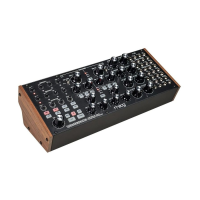
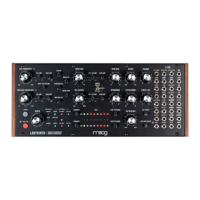
Labyrinth Parallel Generative Analog Synthesizer
Power Supply
Patch Sheet Overlays
Owner’s Manual
Patch Cables
Registration Card
What you will need:
Headphones with a 1/4” TRS plug, or a 1/4” TS instrument cable and an amplified speaker
A properly wired AC outlet
NOTE: There is no power switch on your Labyrinth. Once connected to the power supply, the unit is on. Labyrinth is
an analog instrument and should be allowed a few minutes to warm up before use. In cases where it has been left in
a cold car overnight, for example, it may take even longer for the oscillator tuning to stabilize. For optimized tuning
do not operate your Labyrinth in direct sunlight.
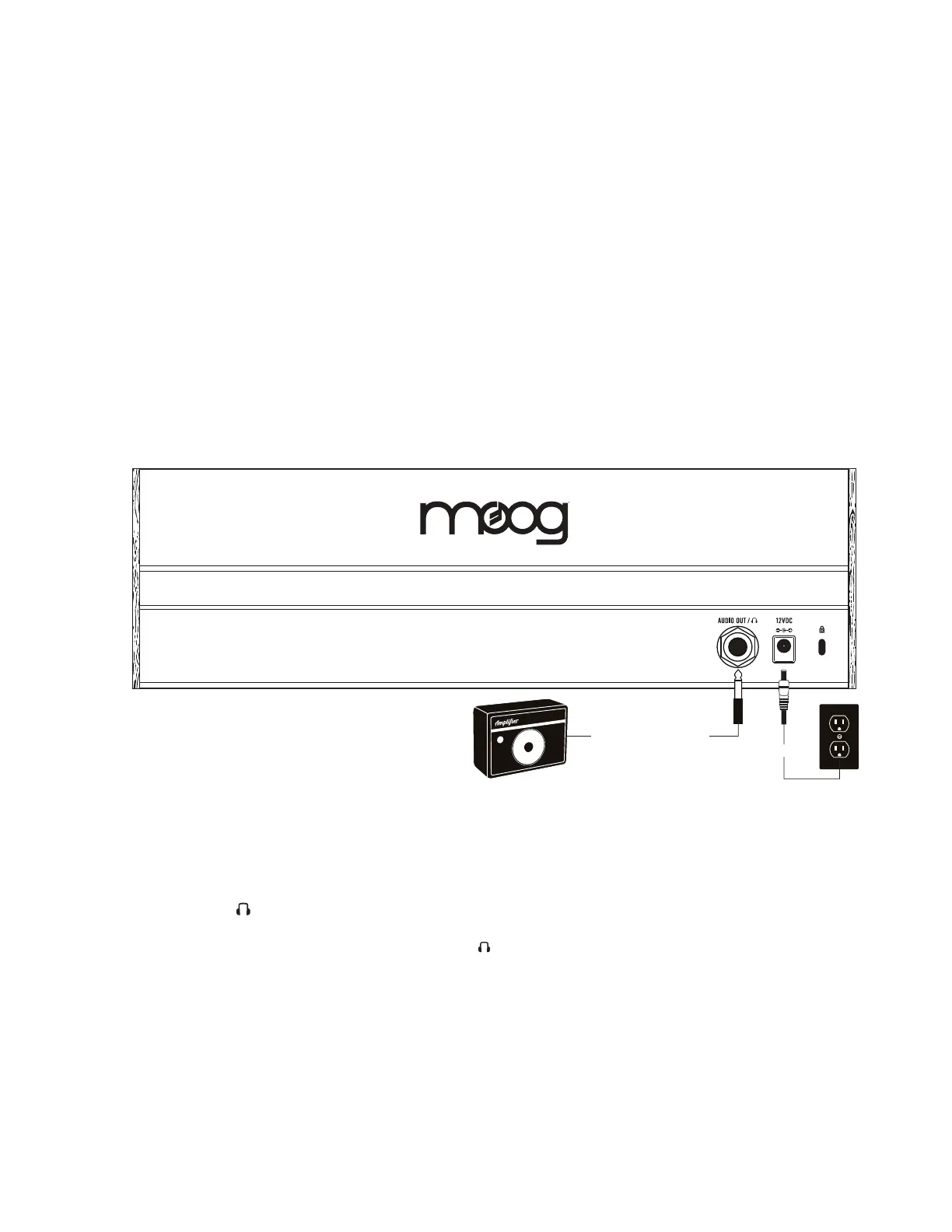
AUDIO OUT/
With the Labyrinth VOLUME knob turned all the way down (counterclockwise), plug one end of a 1/4”
instrument cable into the Labyrinth AUDIO OUT/ jack on the rear panel. Then plug the other end
into an amplified speaker or mixing console input. This jack can also be used with a set of mono or
stereo headphones, providing the same signal to each ear. Now, raise the VOLUME knob (clockwise) to
bring the sound to an appropriate level.
WARNING: Do not use a TRS (balanced) cable for line output applications, as this will cause phase cancellation and
can produce a very weak signal.
KENSINGTON SECURITY SLOT
Your Labyrinth can be securely attached to a desk, stand, or other fixture by connecting a Kensington
security device to this slot.
1.
2.
3.
4.
5.
6.
1.
2.
UNPACKING AND INSPECTION
SETUP AND CONNECTIONS
Power Supply
Amplifier or Headphones
POWER
Plug the included power adapter into the
12VDC power jack on the rear panel of
your Labyrinth.


 To Next Page