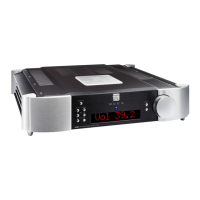
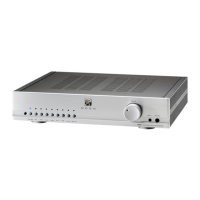
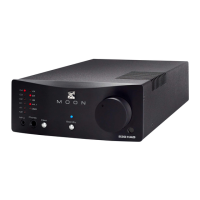
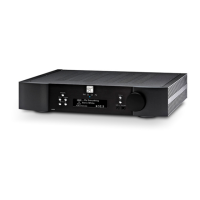
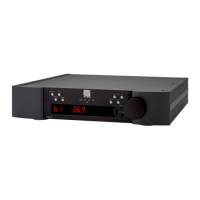
Personalize your MOON 761
MOONLink
MOONLink technology makes MOON products more intelligent.
A single button press can trigger automated behaviours and simultaneously operate multiple devices
over a network in a symbiotic MOONLink Group. MOONLink simultaneously toggles Standby and can
adjust display brightness for all devices in the Group, while enabling volume control and automatic
input selection of specific devices in the Group.
Use the Setup menu on any complementary model from the North Collection to add this unit to a
MOONLink Group.
Menu
• MOONLink Group permits the customization of a Group.
o Name identifies a device within the Group.
o Group ID assigns a Group number to a Device. Assigning the same ID to
other devices joins them together as a Group.
o Status lists information about the device.
o Firmware verifies the firmware of the device and updates it when
necessary.
•
Available Devices lists devices on the network that could be added to a Group.
Holding the Standby button on the front panel for two seconds automatically toggles all the devices in
the MOONLink Group into Standby.


 To Next Page