Troubleshooting
Status Indicator
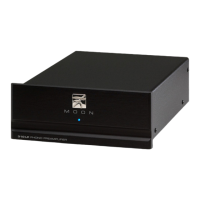
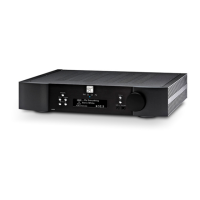
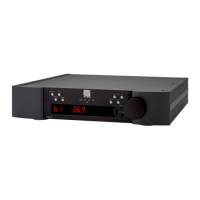
If typical operation is disrupted, the status indicator may blink to signal a problem. A preamplifier in the
MOONLink group will simultaneously display the corresponding message on its OLED display.
firmware update error
Normally, the device recovers automatically from a firmware update error. If the problem persists…
1. Verify that the device is connected to the network and that the network is accessing the Internet.
2. Wait 30 minutes.
3. If the device continues to indicate a firmware update error, contact support@simaudio.com.
temperature protection
If a device overheats, it could return to normal operation after a period of cooling down.
1. Power down the device using the rear rocker switch.
2. Wait 10 minutes.
3. Consider the location and environment of the device carefully. Make adjustments to decrease
the temperature and increase airflow around the device.
4. Power up the device and resume normal operation.
5. If the device continues to indicate temperature protection, contact support@simaudio.com.
voltage protection
If a device has a voltage issue, it will most likely require service.
1. Power down the device using the rear rocker switch.
2. Wait 60 seconds.
3. Power up the device and resume normal operation.
4. If the device continues to indicate voltage protection, contact support@simaudio.com.
DC protection
The device will shut down if it detects DC at its input, internally, or at its output. To determine the source
of the issue…


 To Next Page