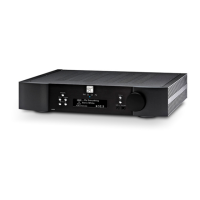
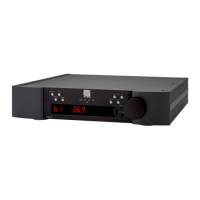
1. Power down the device using the rear rocker switch.
2. Disconnect all cables from the device.
3. Wait 60 seconds.
4. Reconnect only the power cable.
5. Power up the device.
a. If the device continues to indicate DC protection, contact support@simaudio.com.
b. If not…
6. Reconnect one loudspeaker.
a. If the device indicates DC protection, there is an issue with that loudspeaker or its cable.
b. If not, connect the other loudspeaker.
c. If the device indicates DC protection, there is an issue with that loudspeaker or its cable.
d. If not…
7. Reconnect one source device.
a. If the device indicates DC protection, there is an issue with that device or its cable.
b. If not, continue this process of elimination.


 To Next Page