www.miinet.comMoore Industries-International, Inc.
- 103 -
User’s Manual
238-741-00K
May 2019
Programmable Smart HART Temperature Transmitter
THZ
3
/ TDZ
3
SECTION 5
Input Simulation
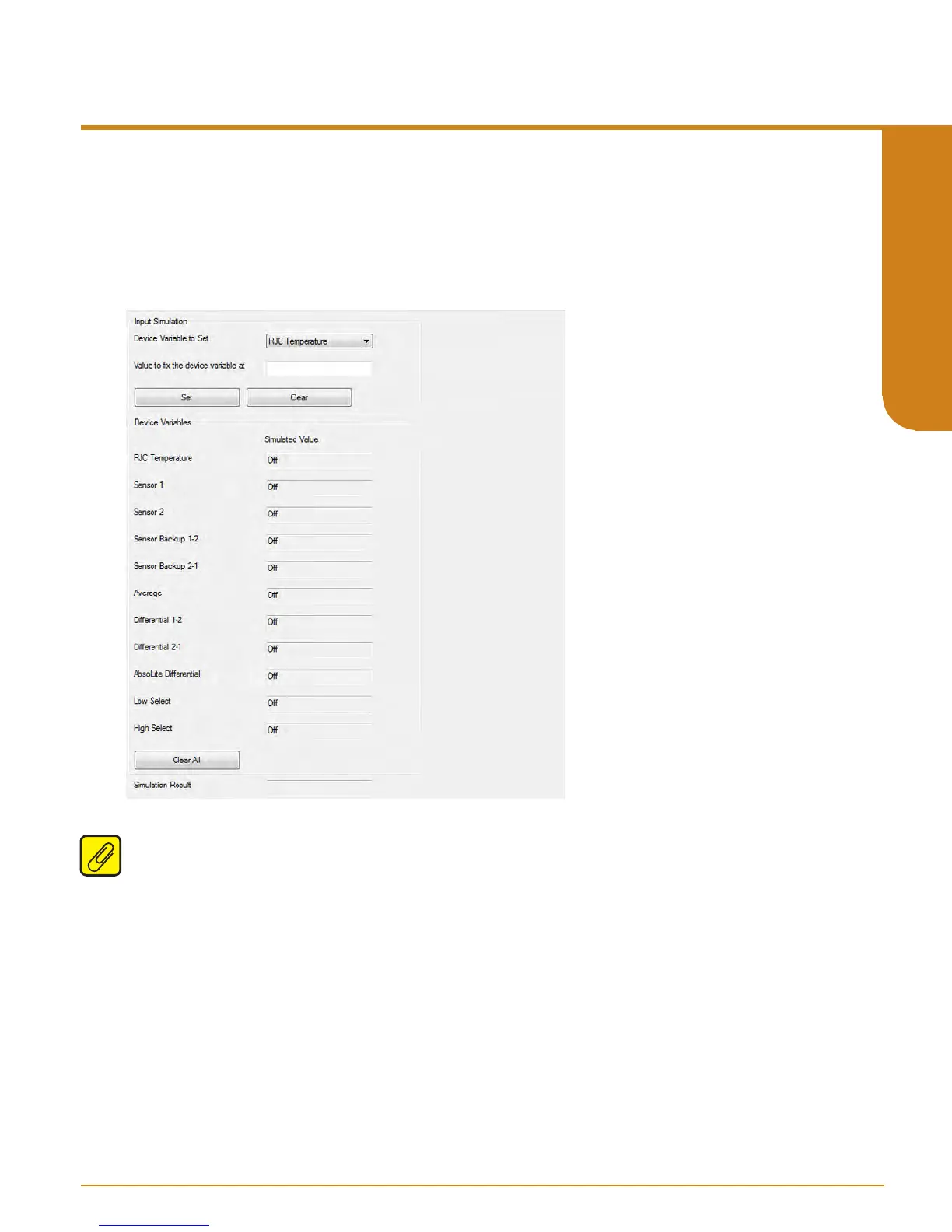
This menu allows you to run simulated inputs for any of Device Variables that are enabled
(active). Select desired Device Variable enter a value within the allowed range and click Set
button. Use the Clear button to clear all set simulations. See gure 5.35.
Figure 5.35. THZ
3
/ TDZ
3
Custom Calibration Menu - Input Simulation
Note: Before exiting this screen, remember to hit the Clear button or the Device Variables will
remain set to their simulated values.



 To Next Page