30
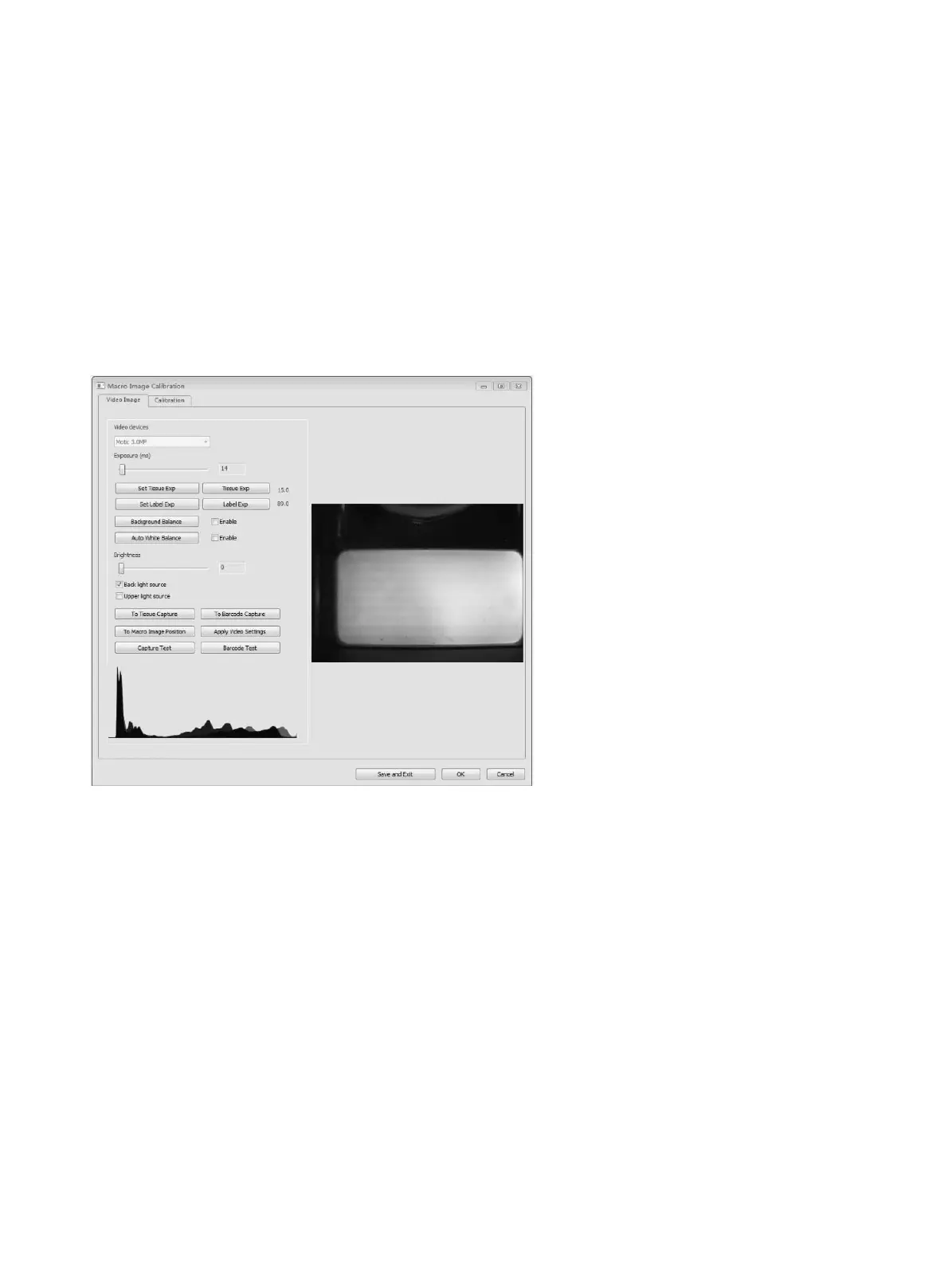
● Click “Prepare Label Exposure” on the calibration wizard window, then system will automatically
move to slide label section.
● Manually adjust the exposure bar and ensure the brightness of label is suitable.
● Complete Macro Image Settings.
● Select an area which can cover whole tissue by dragging a rectangle over it with the mouse.
Then click “Scan Map” button.
● After scanning map is completed, click “Calibrate” button to complete calibration. (Fig. D)
(Fig. A)


 To Next Page