29
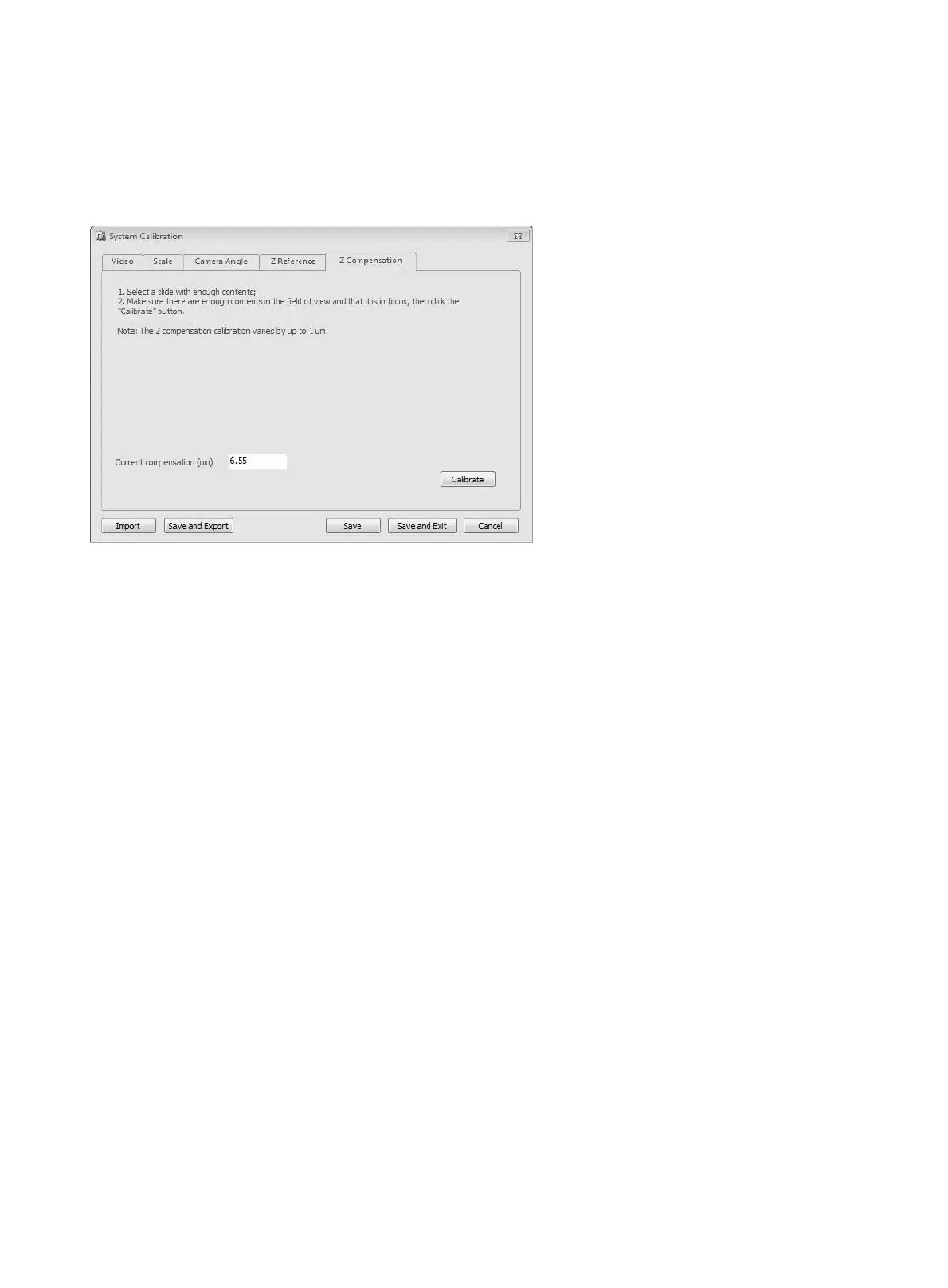
● Z Compensation Calibration
Z Compensation calibration helps to compensate the error of Z axis movement.
Current compensation (um): Display the calibration result of the Z axis compensation under 40x
objective.
Calibrate: To start Z axis compensation calibration.
b. Macro Camera Calibration
Below figures are for video image calibration and slide image position calibration.
Video image:
Before calibration, make sure you have well loaded the tray with slide which has shape tissue and label
on it. Then please follow the calibration wizard. (Fig. B)
● Click “Prepare Tissue Exposure” on the calibration wizard window, then tray will step back. You
will find the marco camera’s field of view is blank.
● Ensure the tray does not exist on the device.
● Adjust the exposure bar to let the histogram close to red bar (Fig. A)
● Click “Set Tissue Image” on the calibration wizard window, then system will automatically
complete exposure, background balance and auto white balance setting.
● Adjust the brightness to make the peak of histogram, which inside the limit range, at right side.
(Fig. C)
● Put the tray on the device.


 To Next Page