14 Getting to know your phone
Overview of the base
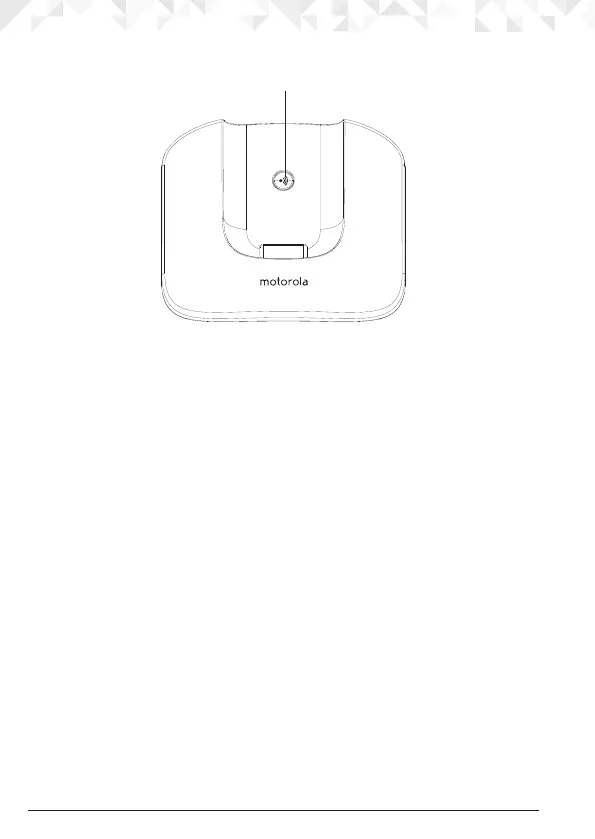
A Paging key
Paging is a useful way of nding lost handsets.
1. Press p on the base.
All handsets ring.
2. Press p again to cancel the paging call or press any key on the handset to stop the
paging call.
Navigating the menus
The basic steps of navigating through the menu and on-screen options.
1. From the standby screen, press m.
The main menu is opened.
2. Use the
u
or
d
keys to scroll through the menu.
3. Soft key options
OK
and
BACK
are displayed. Press m to select
OK
and open a
sub-menu or validate an option.
Press
BACK
to go back to previous menu level, correct a character or cancel an action.
4. Press > to return to standby.
NOTE
If you do not press any button on the handset for 15 seconds the display will automatically
return to standby. It will also return to standby when the handset is placed on the base or
charger.
A


 To Next Page
 Loading...