12
USING THE REMOTE CONTROL
Key Item Description
1
AUX, VCR, CABLE, or TV
Selects the desired device to control (the selected mode remains active until you press another key)
2
HELP
Displays the help screen
3
POWER
Turns the selected home entertainment component on or off
4
PAGE ▲ or PAGE▼
Pages through menu screens and electronic program guide
5
EXIT
Exits menus and electronic program guide
6
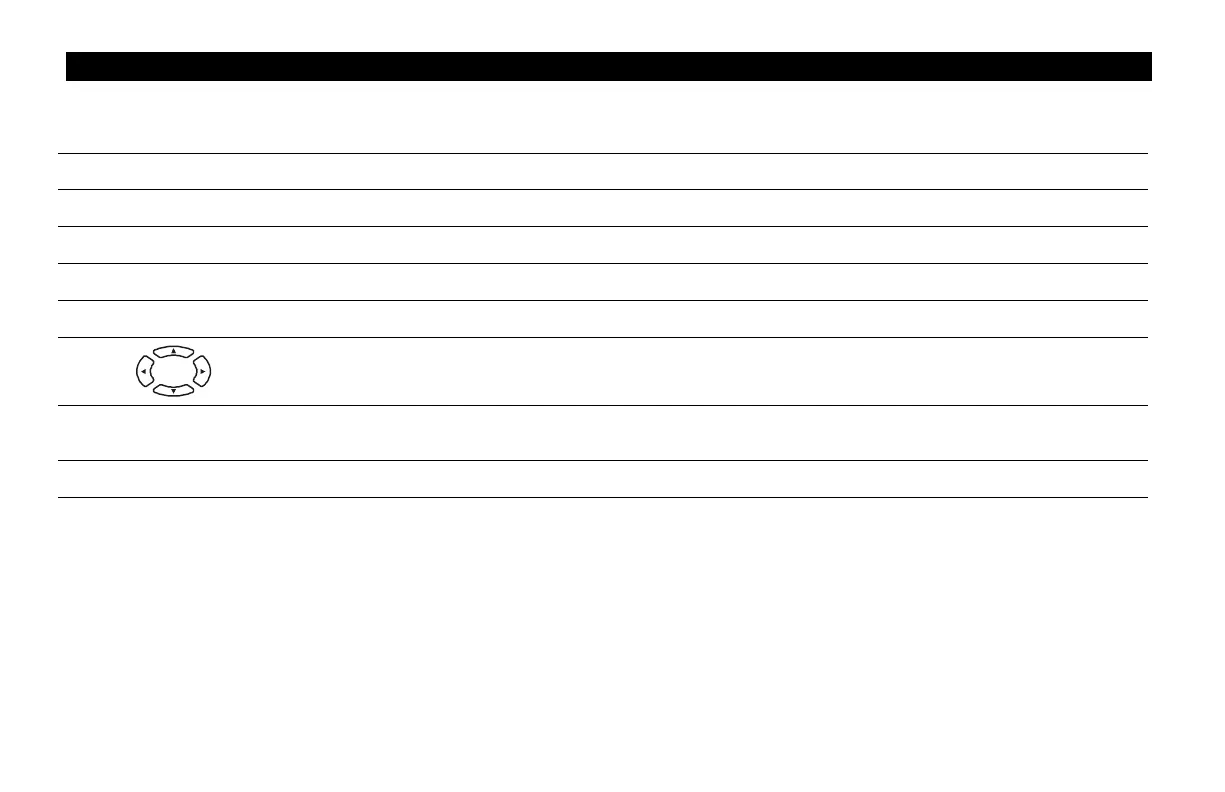
Moves cursor around the electronic program guide and menu screens
7
OK/SELECT
Selects menu options and Pay-Per-View events, or tunes programs from the electronic program
guide (your remote control may only have OK; it performs the same functions)
8
GUIDE
Displays the electronic program guide



 To Next Page