29
TROUBLESHOOTING
Problem Possible Solution
No power
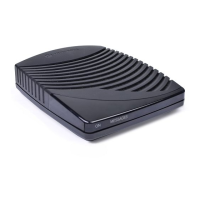
Reconnect the power cord. Be sure the DCT2000 is plugged into an outlet that is always
live.
Remote control does not work
Press
CABLE on the remote control to ensure the remote control is in cable mode.
Change the batteries in your remote control according to the instructions in the section,
“Installing Batteries.”
Be sure that nothing is on the DCT2000 or blocking a clear line of sight between it and
the remote control.
Poor audio quality
For best audio quality, use the remote control to set the DCT2000 to approximately
75% of maximum volume level and then adjust the audio levels on the external devices.



 To Next Page