The “Labels” Program
Adding and/or Editing Label Text
A-6 MC3000 Digital Deskset Operator and Installation Manual
(6880309L15-A)
determines which “Module Label” dialog box will open. For Digital Deskset labels files,
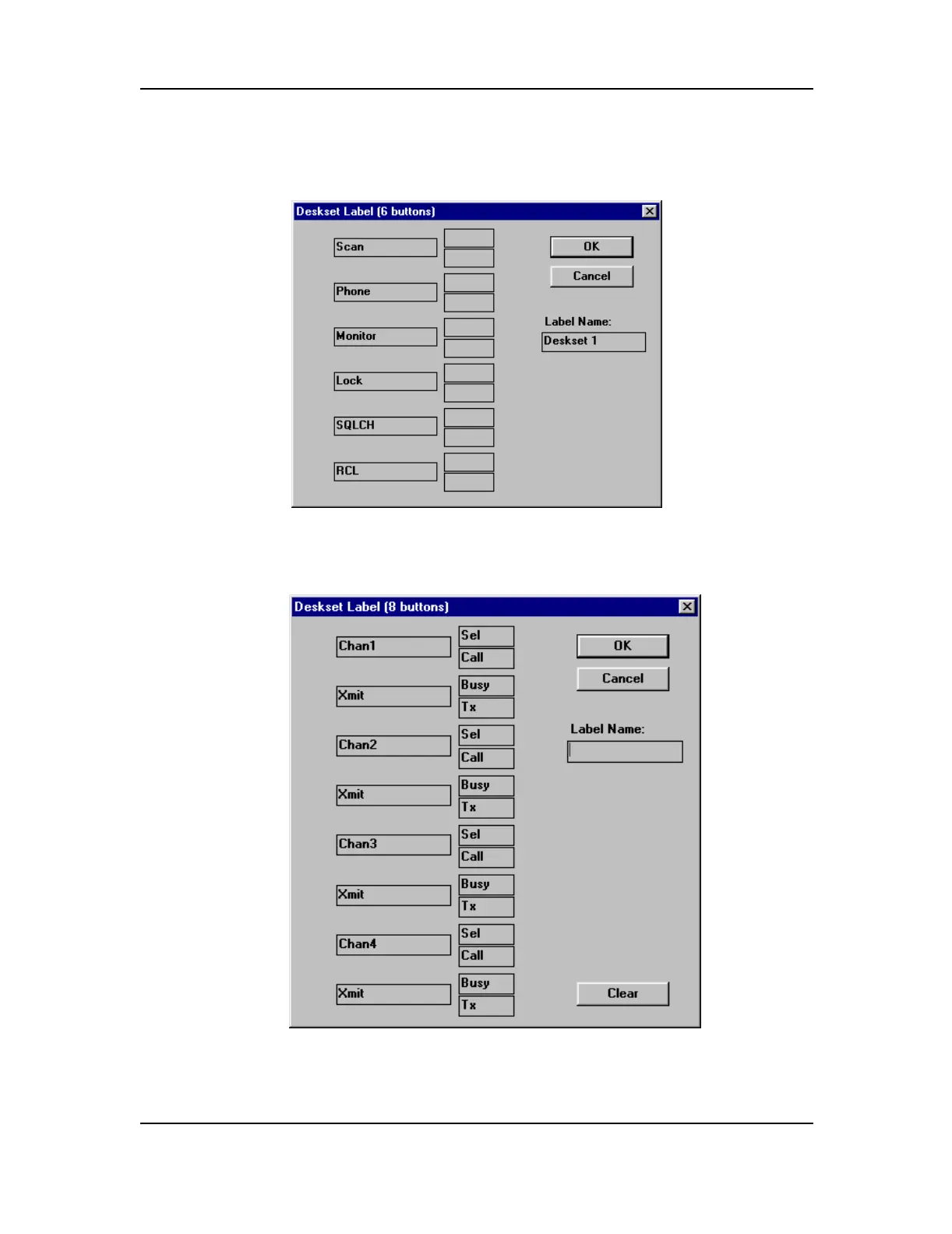
the “Deskset (6 buttons)” or “Deskset (8 buttons)” dialog box should appear.
Figure A-5: Deskset Label (6 buttons) Dialog Box
Figure A-6: Deskset Label (8 buttons) Dialog Box - Default


 To Next Page
 Loading...










