User Manual
76
In thi
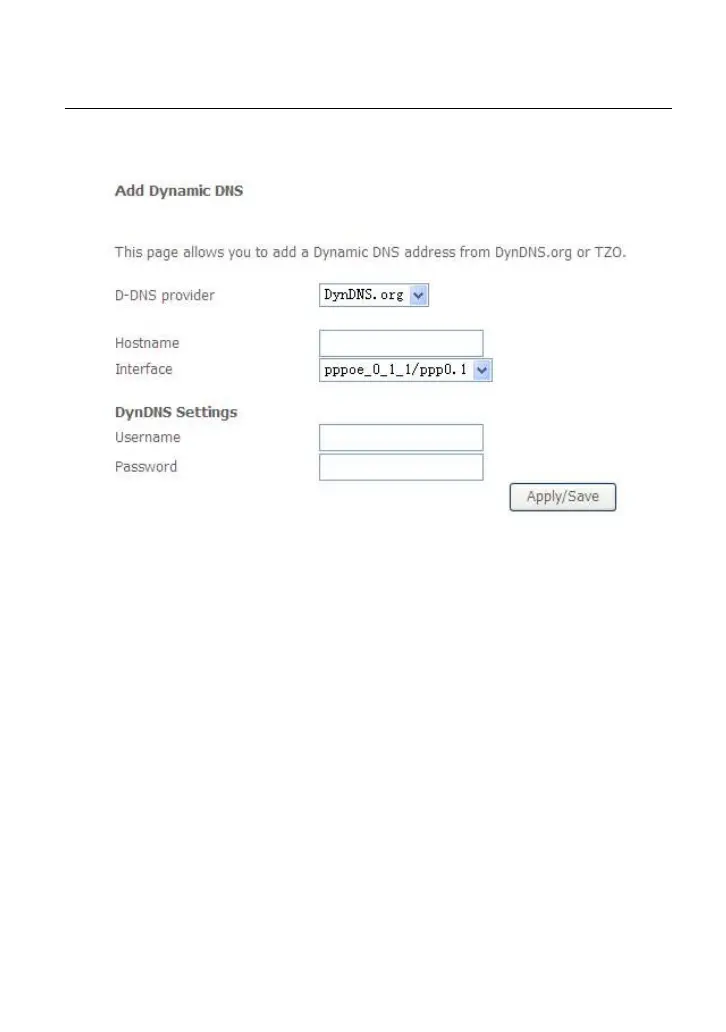
s page, you are allowed to modify the DDNS settings.
Click the Add button to display the following page.
D-D
NS provider: Select a proper DDNS server in the drop-down list.
Hostname: It is the domain name and it can be modified.
Interface: The interface that the packets pass through on the DSL router.
Username: Enter the username for accessing the DDNS management
interface.
Password: Enter the password for accessing the DDNS management
interface.
After finishing setting, click Apply/Save to save and apply the settings.
4
.2.10
D
SL
Choose Advanced Setup > DSL and the following page appears. In this page, you
can view the DSL settings. Usually, you can keep this factory default setting. The
modem negotiates the modulation mode with the DSLAM.



 To Next Page
 Loading...










