Contents
Set up phone 1
About your hardware 1
Insert or remove SIM and SD cards 3
Copy data from old phone 5
Manage dual SIMs 7
Set up voicemail 8
Set up email 8
Prepare for emergencies 10
Make it yours 11
Learn the basics 13
About your home screen 13
About your lock screen 14
New to Android? 16
If this is your first smartphone 16
If you had an iPhone 17
About your Google account 18
Status bar icons 19
Phone terms you should know 23
Get around on your phone 25
Learn gestures 25
Use quick settings 26
Turn screen off and on 28
Discover useful tools 30
Turn flashlight on and off 30
Control phone with your voice 30
Get directions to a location 31
Use Time and Weather widget 31
Manage how you spend time on your phone 33
Work with text 36
Use onscreen keyboard 36
Cut, copy, paste text 37
Use voice typing 38
Fill in forms automatically 38
Personalize your phone 39
Home screen 39
Change wallpaper 39
Customize your Favorites tray 39
Use widgets, shortcuts, or folders 39
Remake your home screen with launchers 42
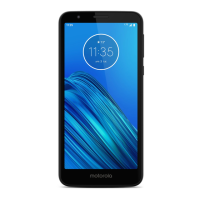
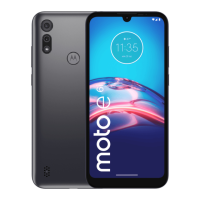
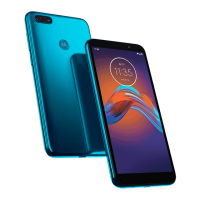
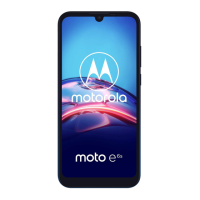
moto e6s iii





 To Next Page