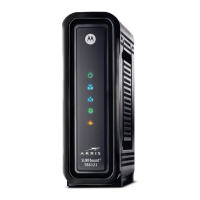
Let’s get started
If you don’t have cable Internet service, please order that from your cable service provider.
Now connect your MG7315 as shown on the next panel.
Connecting to a Coax Cable
Soon you’ll need to connect your MG7315 to a
“live” coax cable. Sometimes a cable will already be
available. Sometimes there’s a coax wall jack
available, and you connect to the jack with a coax
cable. Your MG7315 can also share a coax cable
attached to a TV by using a coax splitter.
Prepare to activate
By now you should have:
Subscribed to cable Internet service.



 To Next Page
 Loading...