53
Using the Menu
• When an item has a list of possible values, press
S
to the left or right to scroll through and select a value.
• When an item has a list of possible numeric values, press a
number key to set the value.
• If you enter or edit information and then decide that you do
not want to save your changes, press
O
to exit without
saving.
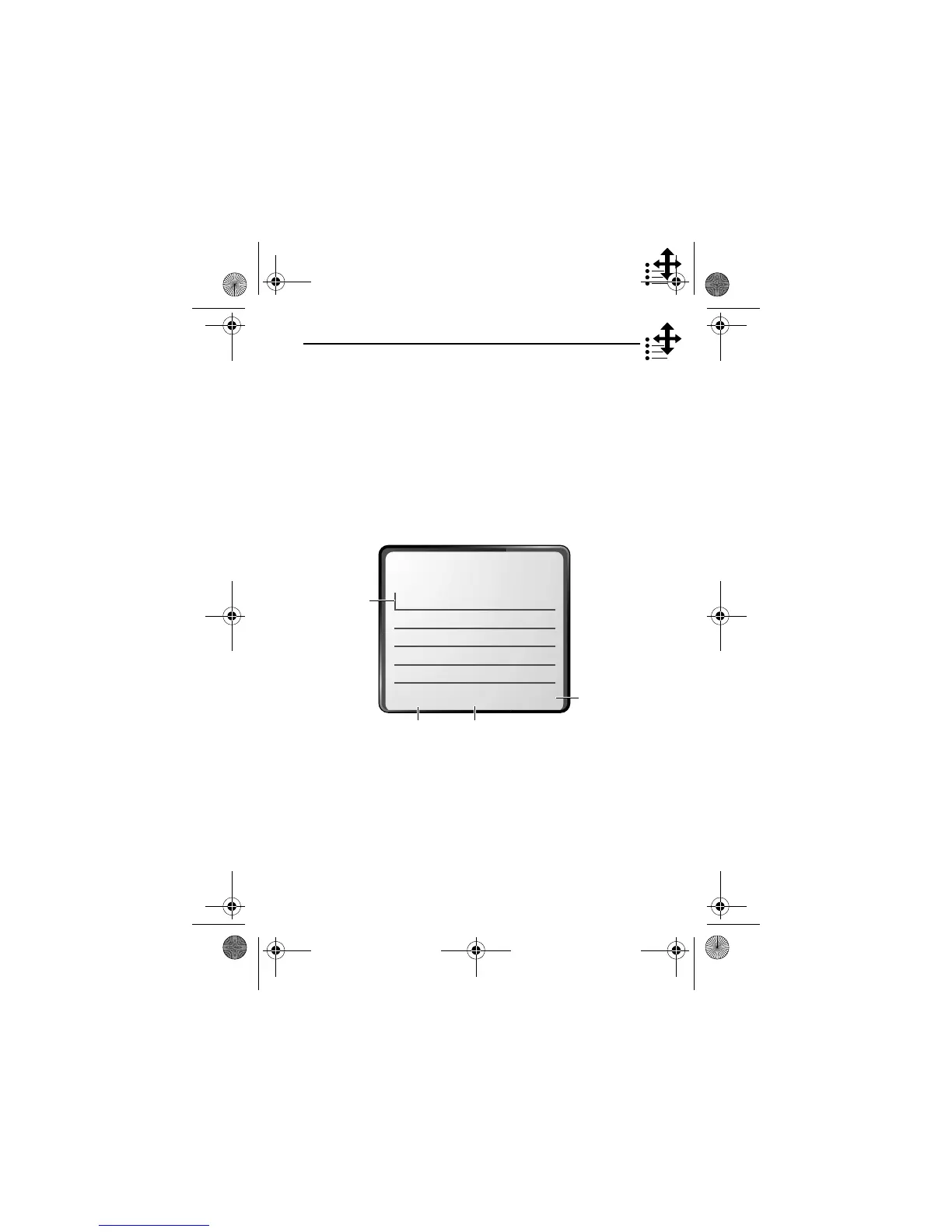
The message centre lets you compose and send text messages.
(See “Entering Text” on page 55.) A
flashing cursor
shows you
where the text will appear:
+,$
Press
(
-
)
to exit without
making changes.
Press
M
to open the
sub-menu.
Press
(
+
)
to view and
insert a name,
number, or
message from
previously
stored
information.
e
Flashing
cursor
indicates
insertion
point.
User.Guide.GSM.book Page 53 Tuesday, February 5, 2002 6:17 PM










 To Next Page