54
Using the Menu
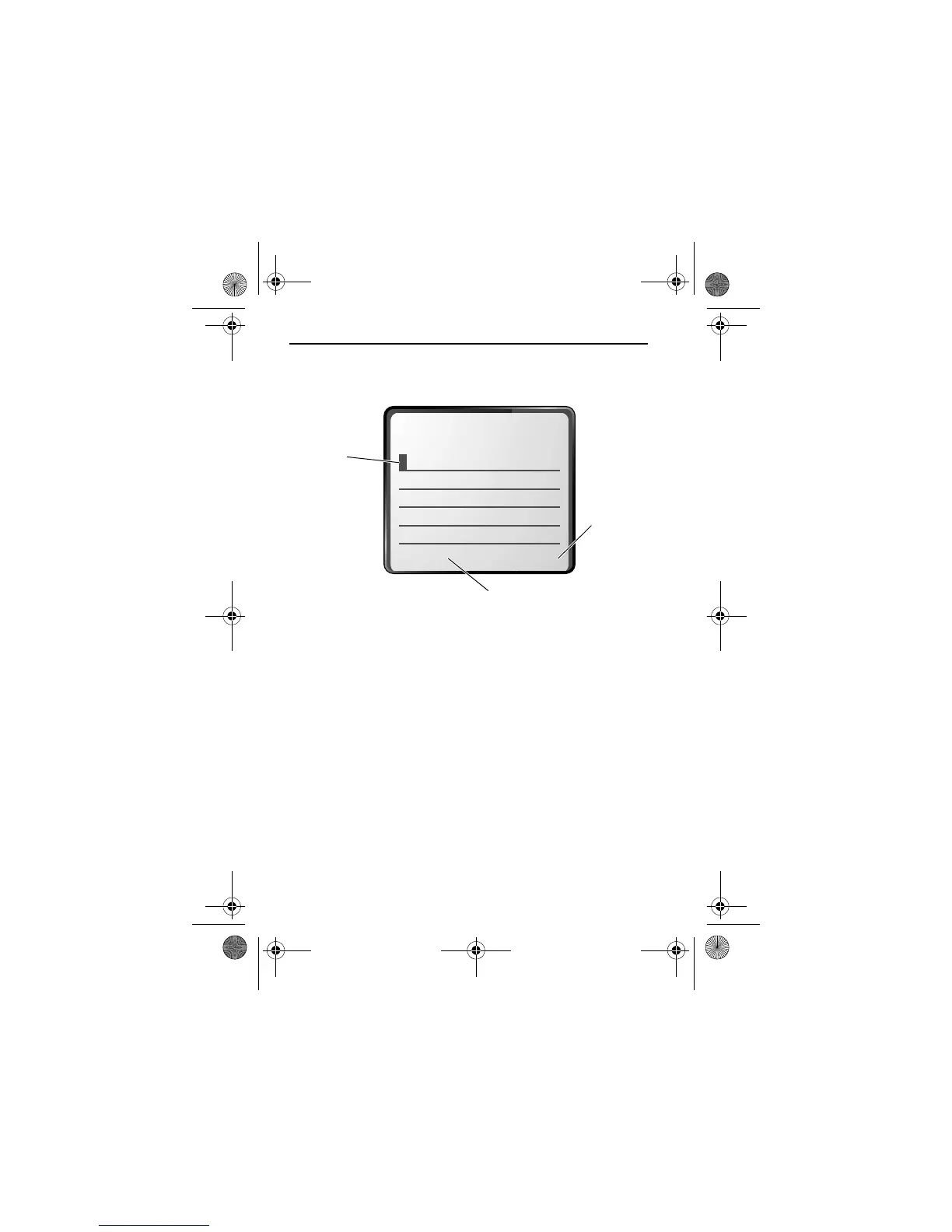
When you enter text, the flashing cursor changes to a
block
cursor
, and the soft key functions change:
+,$
Press
(
+
)
to accept
and store
the text.
Block
cursor
indicates
current
highlighted
character.
After two
seconds,
the block cursor reverts to
a flashing cursor and moves
to the next position.
Press
(
-
) to
delete the character to the
left of the insertion point.
e
User.Guide.GSM.book Page 54 Tuesday, February 5, 2002 6:17 PM










 To Next Page