EasyManua.ls Logo

Motorola V551 - User Manual

Motorola V551
46 pages
Print Icon
To Next Page IconTo Next Page
Loading...
Level 1 and 2 Service Manual
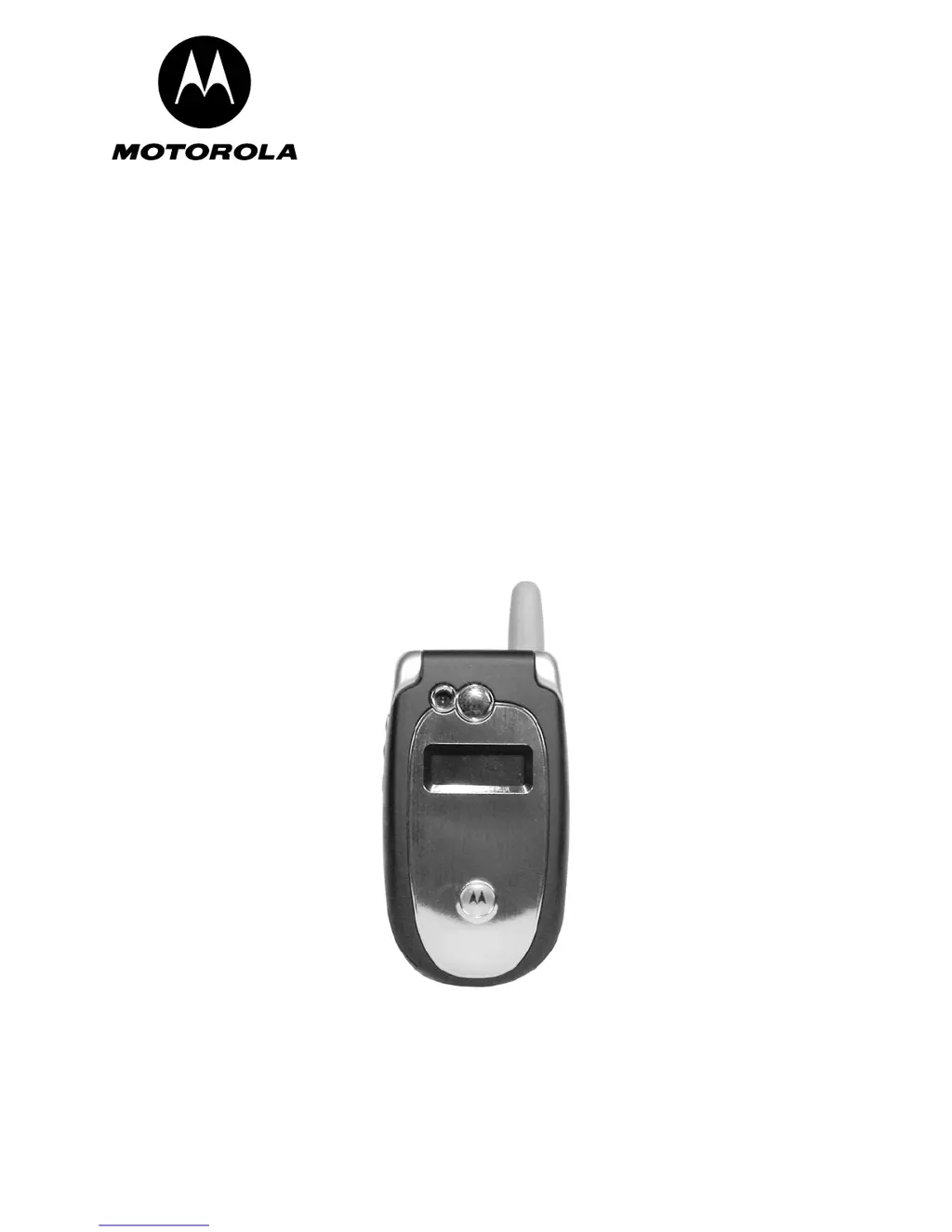
V551/V555 GSM
Quad-Band Wireless Telephone
GSM 850/900/1800/1900 MHz
EDGE

Questions and Answers

  • J
    Joseph MejiaAug 16, 2025
    Why won't my Motorola V551 Cell Phone turn on?
    • S
      Savannah HobbsAug 16, 2025
      If your Motorola Cell Phone won't turn on or stay on, it might be due to a discharged or defective battery. First, measure the battery voltage across a 50 ohm load. If it's less than 3.25 Vdc, recharge it. If it won't recharge, replace the battery. If the battery isn't the problem, check the battery connectors for misalignment or damage. Realign them, and if needed, replace the battery or get the connector replaced at a service center. If the connectors are fine, the transceiver board assembly may be defective and need replacement. Alternatively, the keyboard assembly may have failed, requiring its replacement.
  • J
    james91Aug 19, 2025
    What to do if Motorola Cell Phone has poor reception?
    • R
      riverashelbyAug 19, 2025
      If your Motorola Cell Phone has poor reception or erratic operation, such as dropped calls or weak audio, the antenna assembly might be defective. Check if the antenna pin is properly connected to the transceiver board assembly. If it is, try substituting a known good antenna. If the problem persists, the transceiver board assembly may be defective and require replacement.
  • J
    Jennifer Richards DDSAug 22, 2025
    Why is the display on my Motorola Cell Phone not working properly?
    • G
      Gary BarnesAug 22, 2025
      If the display on your Motorola Cell Phone is erratic, partial, or completely blank, the transceiver board connections may be faulty. Remove the rear chassis and inspect the flexible printed cable (flex). If the flex is in good condition, ensure the flex connector is fully pressed down. Also, check the connector to the transceiver board connections. If the connector is faulty, replace the transceiver board assembly. If the connector is not the issue, the flip assembly might be defective and should be temporarily replaced with a known good assembly. If the issue remains, the transceiver board assembly is likely defective and needs replacement.
  • D
    dharrisAug 25, 2025
    What causes distorted incoming call audio on Motorola Cell Phone?
    • P
      patrickpaceAug 26, 2025
      If the incoming call alert transducer audio on your Motorola Cell Phone is distorted or the volume is too low, the transceiver board assembly is likely faulty and needs to be replaced.
  • A
    Andre SinghAug 27, 2025
    How to fix weak transmit audio on Motorola Cell Phone?
    • W
      wvaldezAug 27, 2025
      If the transmit audio on your Motorola Cell Phone is weak, and people are having difficulty hearing you, the microphone connections to the transceiver board assembly could be defective. Check these connections. If the connector is faulty, the transceiver board assembly is likely defective and needs to be replaced. If the connector is not at fault, the microphone itself may be defective. Try substituting it with a known good microphone to see if that improves the transmit signal.
  • T
    Thomas NicholsAug 30, 2025
    Why is the earpiece speaker audio weak on my Motorola Cell Phone?
    • W
      William PerezAug 30, 2025
      If the receive audio from the earpiece speaker on your Motorola Cell Phone is weak or distorted, the connections to or from the transceiver board assembly might be defective. Check the flex and the flex connector from the flip assembly to the transceiver board assembly. If the flex is at fault, replace the flip assembly. If the flex connector is at fault, the transceiver board assembly is likely defective and needs to be replaced. If the connection is not at fault, the flip assembly may be defective and should be temporarily replaced with a known good assembly. If the issue persists, the antenna assembly may be defective and should be checked for correct installation or substituted with a known good antenna.
  • T
    tylerromeroSep 1, 2025
    What to do if Motorola Cell Phone won't recognize SIM?
    • L
      ldavisSep 1, 2025
      If your Motorola Cell Phone won't recognize or accept the SIM card, the SIM might be defective. Check the SIM contacts for dirt and clean them if necessary. If the contacts are clean, try inserting a known good SIM card to see if it's accepted. If the phone accepts the known good SIM, replace your original SIM. If the SIM is not the issue, the transceiver board assembly is likely defective and needs to be replaced.
  • S
    sandra92Sep 4, 2025
    Why doesn't my Motorola V551 sense when the flip is opened or closed?
    • C
      Christina KingSep 4, 2025
      If your Motorola Cell Phone doesn't sense when the flip is opened or closed, which prevents answering calls or making outgoing calls, the flip assembly might be defective. Check the keypad contacts for dust or try replacing the keypad with a known good one. If that doesn't solve the problem, the transceiver board assembly is likely defective and needs to be replaced.
  • K
    Kim VasquezSep 7, 2025
    Why is the vibrator not working on my Motorola V551 Cell Phone?
    • C
      Charlene GonzalezSep 7, 2025
      If the vibrator feature on your Motorola Cell Phone is not functioning, the flip assembly might be defective. Try temporarily replacing the flip assembly with a known good assembly. If the issue is resolved, reassemble the phone with the new flip assembly. If the problem persists, the transceiver board assembly is likely defective and needs to be replaced.
  • W
    whitakermiguelSep 10, 2025
    Why is the internal charger not working on my Motorola V551?
    • V
      Valerie MillerSep 10, 2025
      If the internal charger on your Motorola Cell Phone is not working, it could be a faulty charger circuit on the transceiver board assembly. Test a selection of batteries in the rear pocket of the desktop charger and check the LED display for charging indications. If these charge properly, the internal charger is at fault. Replace the transceiver board assembly.

Summary

Introduction

Product Identification

Describes how Motorola products are identified by model number on the housing.

Product Names

Lists product names included in the V551/V555 telephone on the front cover.

Regulatory Agency Compliance

Details FCC and Canadian compliance requirements for the device operation.

Computer Program Copyrights

Explains Motorola's exclusive rights to copyrighted computer programs used in products.

About this Service Manual

General information about the manual's purpose, audience, and scope.

Conventions

Explains special characters and typefaces used in the manual for emphasis.

Warranty Service Policy

Details standard warranty terms and availability of non-warranty repairs.

Out of Box Failure Policy

Describes criteria for handling early life failures and root-cause analysis.

Product Support

Explains service levels for repairs and authorized service centers.

Customer Support

Information on customer support channels and training arrangements.

Parts Replacement

Instructions for ordering replacement parts and equipment.

Specifications

General Function

Lists general specifications and operational parameters of the telephone.

Transmitter Specification

Details transmitter power output, impedance, and spurious emissions.

Receiver Specification

Details receiver sensitivity, error rates, and channel hop time.

Receiver Specification (continued)

Details speech coding functions, bit rate, and frame duration.

Product Overview

Features

Lists key features available in the V551/V555 telephone family.

Personal Information Management

Describes the built-in datebook, message center, and phonebook.

Other Features

Refers to the User's Guide for detailed descriptions of other features.

General Operation

Controls, Indicators, and Input;Output (I;O) Connectors

Describes the phone's controls, indicators, and I/O connectors.

Menu Navigation

Explains how to navigate through the phone's simplified icon and GUI menus.

Liquid Crystal Display (LCD)

Describes the V551/V555 phone's 176 x 220 color display.

User Interface Menu Structure

Refers to Figure 3 for the V551/V555 telephone menu structure.

Menu Map

Provides a detailed breakdown of the phone's main menu layout and features.

Alert Settings

Explains the VibraCall discreet vibrating alert and its setting options.

Battery Function

Describes the battery charge indicator and procedures for battery removal.

Tools and Test Equipment

General Test Equipment and Tools

Lists essential tools and test equipment used for servicing the V551/V555.

Disassembly

Removing and Replacing the Battery Cover

Step-by-step instructions for removing and replacing the battery cover.

Removing and Replacing the Battery

Step-by-step instructions for removing and replacing the Lithium-Ion battery.

Removing and Replacing the SIM Card

Step-by-step instructions for removing and replacing the SIM card.

Removing and Replacing the Antenna

Step-by-step instructions for removing and replacing the antenna.

Removing and Replacing the Rear Housing

Step-by-step instructions for removing and replacing the rear housing.

Removing and Replacing the Transceiver PC Board

Step-by-step instructions for removing and replacing the transceiver PC board.

Removing and Replacing the Keypad

Step-by-step instructions for removing and replacing the keypad.

Removing and Replacing the Microphone

Step-by-step instructions for removing and replacing the microphone.

Removing and Replacing the Flip Assembly

Step-by-step instructions for removing and replacing the flip assembly.

Removing and Replacing the Front Flip Cover

Step-by-step instructions for removing and replacing the front flip cover.

Removing and Replacing the Metal Flip Shield

Step-by-step instructions for removing and replacing the metal flip shield.

Removing and Replacing the Camera

Step-by-step instructions for removing and replacing the camera module.

Removing and Replacing the Flip;Vibrator Motor Flex

Step-by-step instructions for removing and replacing the flip/vibrator motor flex.

Removing and Replacing the Display Assembly

Step-by-step instructions for removing and replacing the display assembly.

Telephone Identification

Identification Label

Describes the various identifying numbers and labels on the Motorola GSM phone.

Troubleshooting

Manual Test Mode

Explains how to enter manual test mode for verifying functionality.

Manual Test Mode Commands

Lists key sequences and functions for manual test mode operations.

Manual Test Mode Commands (continued)

Continues the list of key sequences for manual test mode operations.

Troubleshooting Chart

Provides a chart of common symptoms, probable causes, and remedies.

Troubleshooting Chart (continued)

Continues the chart of common symptoms, probable causes, and remedies.

Troubleshooting Chart (continued)

Continues the chart of common symptoms, probable causes, and remedies.

Programming: Software Upgrade and Flexing

Information regarding equipment and procedures for flashing and flexing.

Part Numbers

Exploded View Diagram

Visual diagram showing the exploded view of V551/V555 telephone components.

Exploded View Parts List

A list of parts associated with V551/V555 telephones with Motorola part numbers.

Accessories

List of Accessories

Lists available accessories for the V551/V555 phone with corresponding part numbers.

Related Publications

V551 User Guide

Reference to the V551 User Guide for additional information.

Motorola V551 Specifications

General IconGeneral
BrandMotorola
ModelV551
CategoryCell Phone
LanguageEnglish

Related product manuals