Tolerance
Auto Clear
Angle Setup
T+A Threshold
First Peak
Spindle Audit
Auto Clear Setting
Mode: Auto
Time (seconds): 2
Main
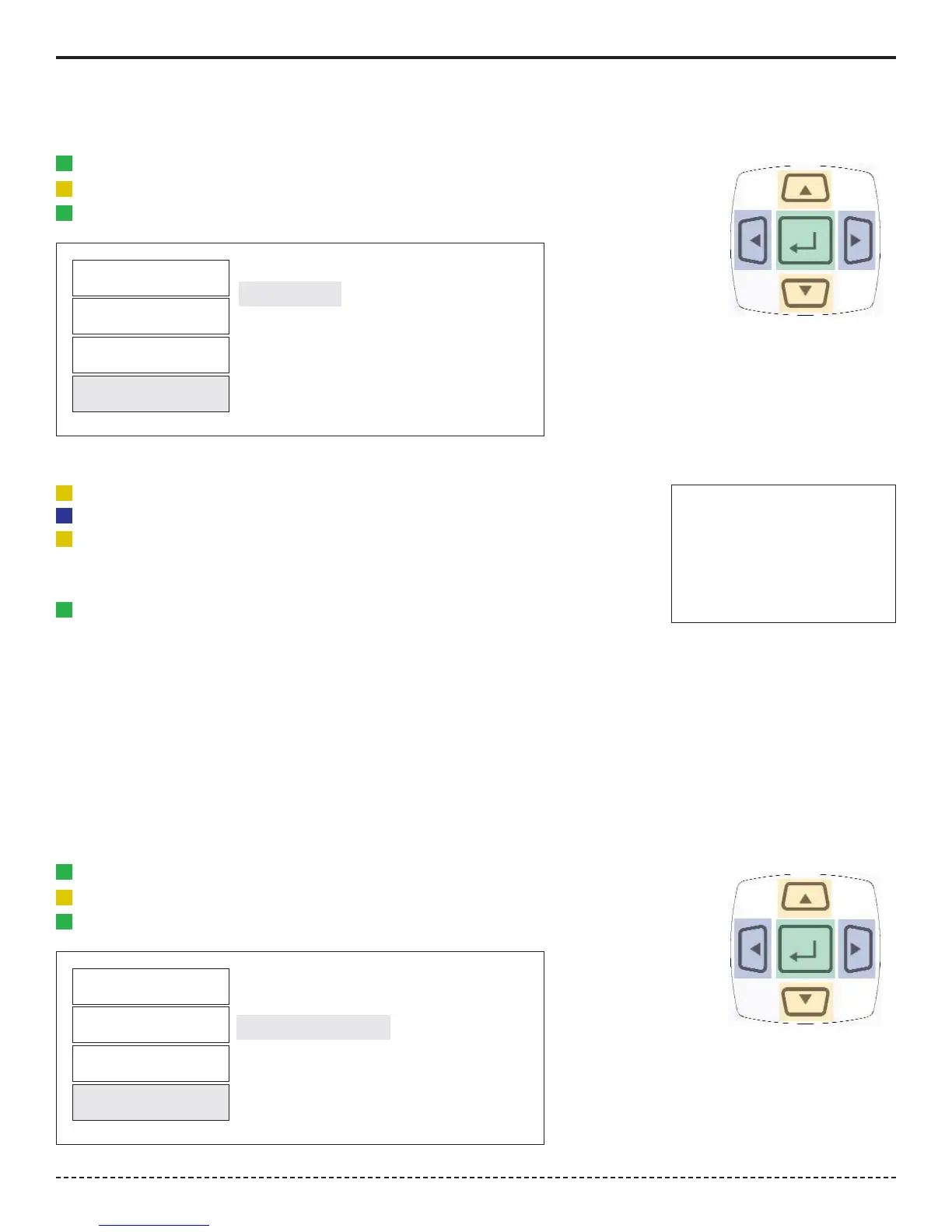
1. Press the "Menu" Button.
2. Use the Scroll Down key and select Setup by highlighting and pressing Enter.
3. Use the Scroll Up or Down key to toggle through the Setup options.
4. Press Enter key to select a setup setting for Auto Clear.
Filter
Units
Mode
Setup
Selecting Clear
1. Use the Scroll Up or Down key to toggle between Manual or Auto Clear.
2. Press the Scroll Left or Right key to move down to the Time selection
3. For Auto Clear, use the Scroll Up or Down key to toggle between the selection
of time between 1- 5 seconds.
4. Press Enter key once setting is complete.
5. Press Main button to return to main display screen.
Tolerance
Auto Clear
Angle Setup
T+A Threshold
First Peak
Spindle Audit
This menu item contains 2 selections. The first selection is the Angle Threshold for Audit Mode.
The default is 2 degrees but it can be set from 1 to 5 degrees. The second selection is Angle Polarity.
Angle Polarity is used when you find that the Angle is giving a negative sign when the Torque applied is
Clockwise. This may be needed to compensate for some transducers that have the wrong polarity for Angle.
Angle Setup
1. Press the "Menu" Button.
2. Use the Scroll Down key and select Setup by highlighting and pressing Enter.
3. Use the Scroll Up or Down key to toggle through the Setup options.
4. Press Enter key to select a setup setting for Angle Setup.
Filter
Units
Mode
Setup
Selecting Angle Setup
Corporate Headquarters: 1080 North 11th Street, San Jose, CA 95112 Phone: (408) 292-2214 Fax: (408) 292-2733
www.etorque.com
Page 11


 To Next Page