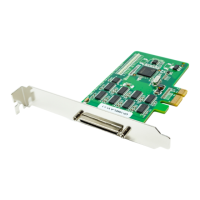
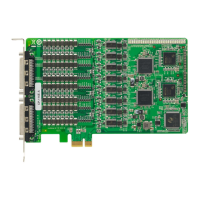
PCI Express Boards Introduction
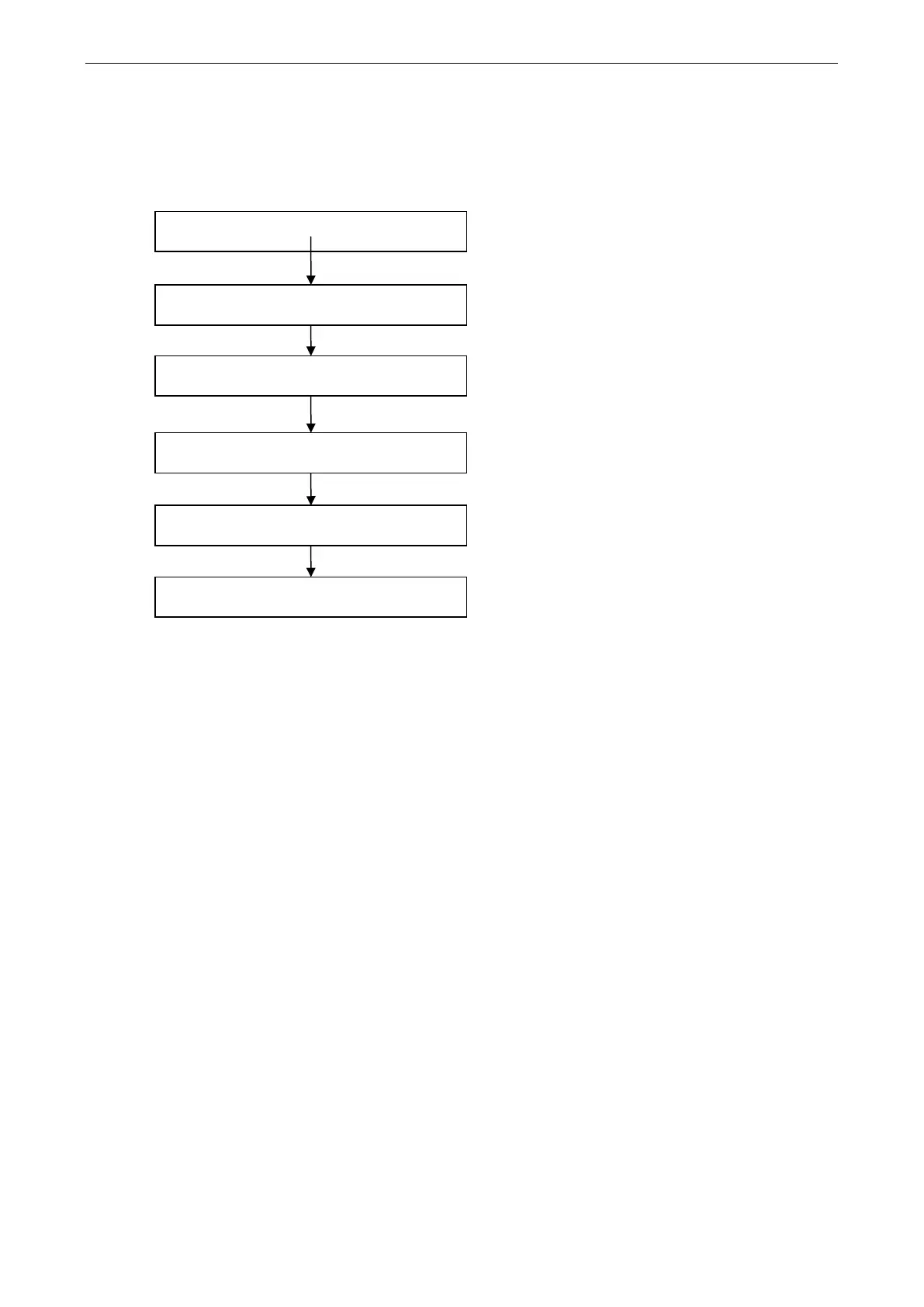
Installation Flowchart
The following flowchart provides a brief summary of the procedure you should follow to install the PCI
Express boards, and it provides references to chapters with more detailed information:
If the card supports Intelligent RS
-485 function,
you can perform diagnosis and auto
-tuning.
Chapter 4, Intelligent RS-485 Setting
Restart the system and check the driver
initialization status.
Chapter 3, Software Installation
Connect the serial devices to the PCI Express
board’s serial ports.
Chapter 6, Pin Assignments
Install the drivers and configure the boards and
ports.
Chapter 3, Software Installation
Install the boards in PCI Express expansion
slots.
Chapter 2, Hardware Installation
Develop and run your serial communication
applications
Chapter 5, Serial Programming Tools


 To Next Page