6
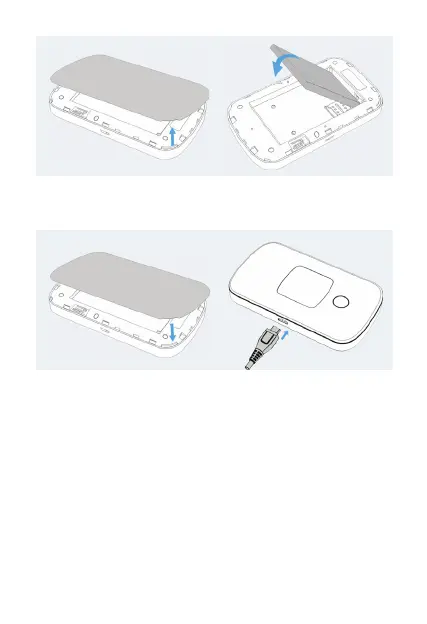
3. Your device comes with a charger. To charge, plug one end
of the charger into an electrical outlet and the other end
into the device’s MicroUSB port.
Removing the SIM card
1.
Ensure the device is powered o. Remove the battery cover
and take out the battery.
2. Slide the SIM tray cover to the right to open the SIM tray,
and gently remove the SIM card from the SIM card slot.
Setting up Wi-Fi connection
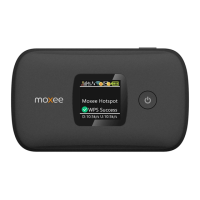
1. Press and hold the Power Button for 3 seconds until the wel-
come logo appears on the display. After a few seconds, the
Wi-Fi signal icon will appear on the display.
2. Look for the network (SSID) “Moxee HotspotXX_2.4G”
or “Moxee HotspotXX_5G”, where XX are the last two digits
of the device IMEI.


 To Next Page