17Moxee m2160 User Manual
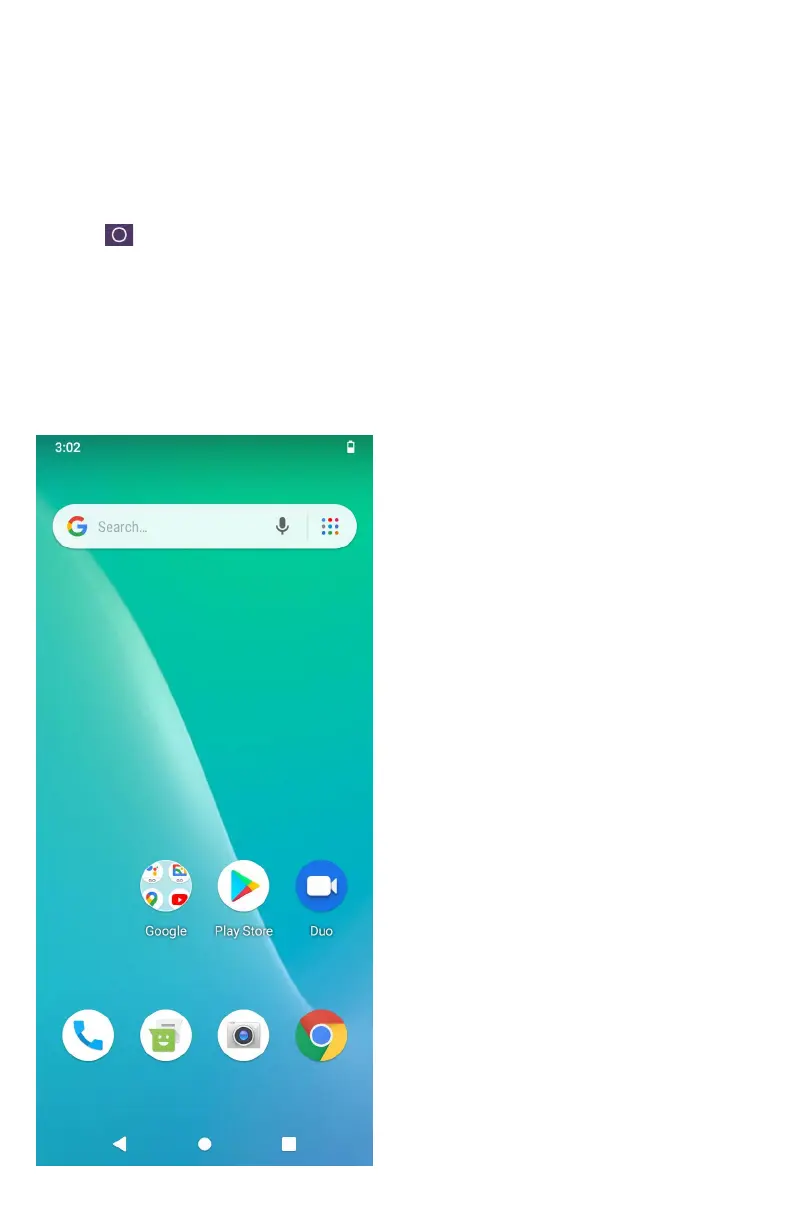
Getting to Know the Home Screen
The Home screen is displayed when the device is in idle
mode. You can add your favorite apps, shortcuts, folders and
widgets to the Home screen so they’re only a tap away.
Press
Home to return to the center home screen.
Previewing the Home screens
1. From any Home screen, tap and hold an application.
2. When you choose a desired Home screen, the
application shifts to the selected Home screen.



 To Next Page