79Moxee m2160 User Manual
Tools
Clock
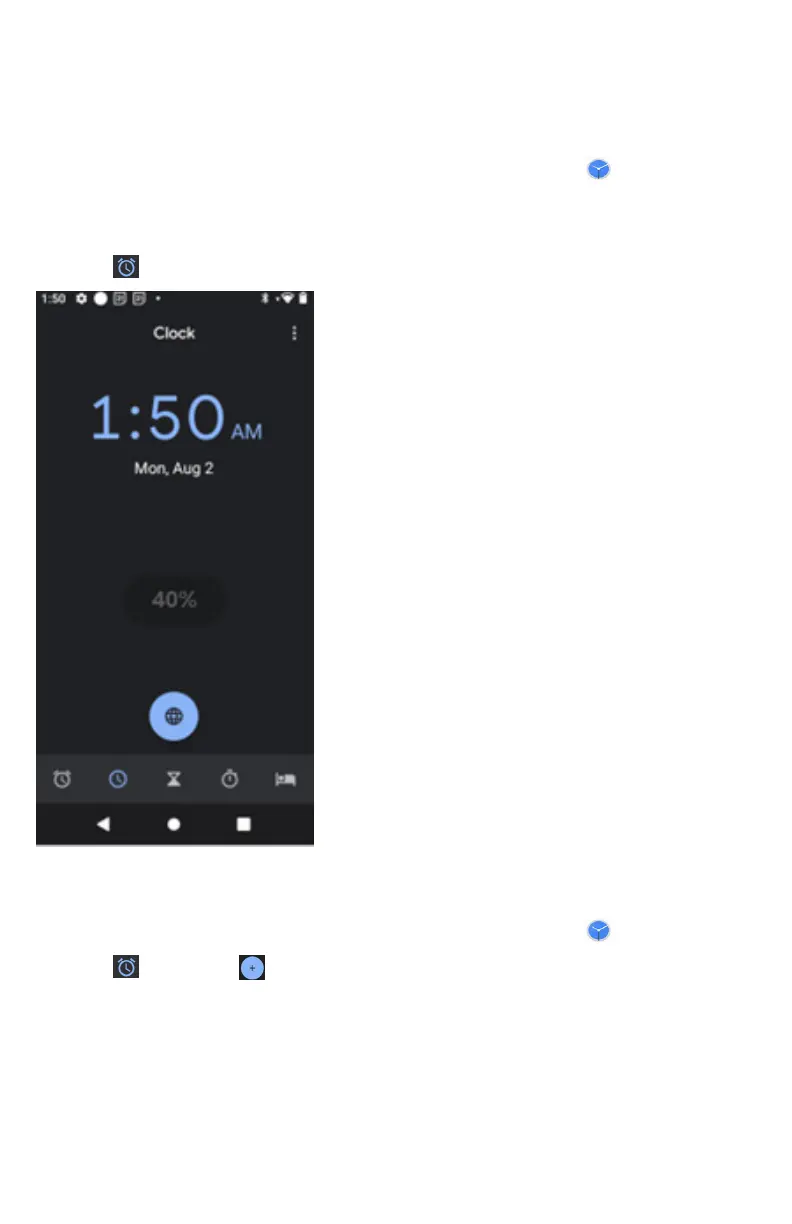
Opening the Clock
1. From the Home screen, swipe screen Apps >
Clock.
• The Clock application opens and displays the date, time
and other useful information.
• Tap
Alarm to set alarm.
Managing Alarms
Adding a new alarm
1. From the Home screen, swipe screen Apps >
Clock.
2. Tap
Alarm > Add alarm.
3. To change the alarm time, scroll up and down to
type the number. Then toggle AM/PM > Set.
4. Check the checkbox, ‘Turn alarm on’.
5. Edit Turn alarm on, Time, Repeat,
Ringtone, Vibrate and Label > Ok.



 To Next Page