45Moxee m2160 User Manual
Reading Messages
1. From the Home screen, swipe screen Apps > Messaging.
2. Tap a message thread.
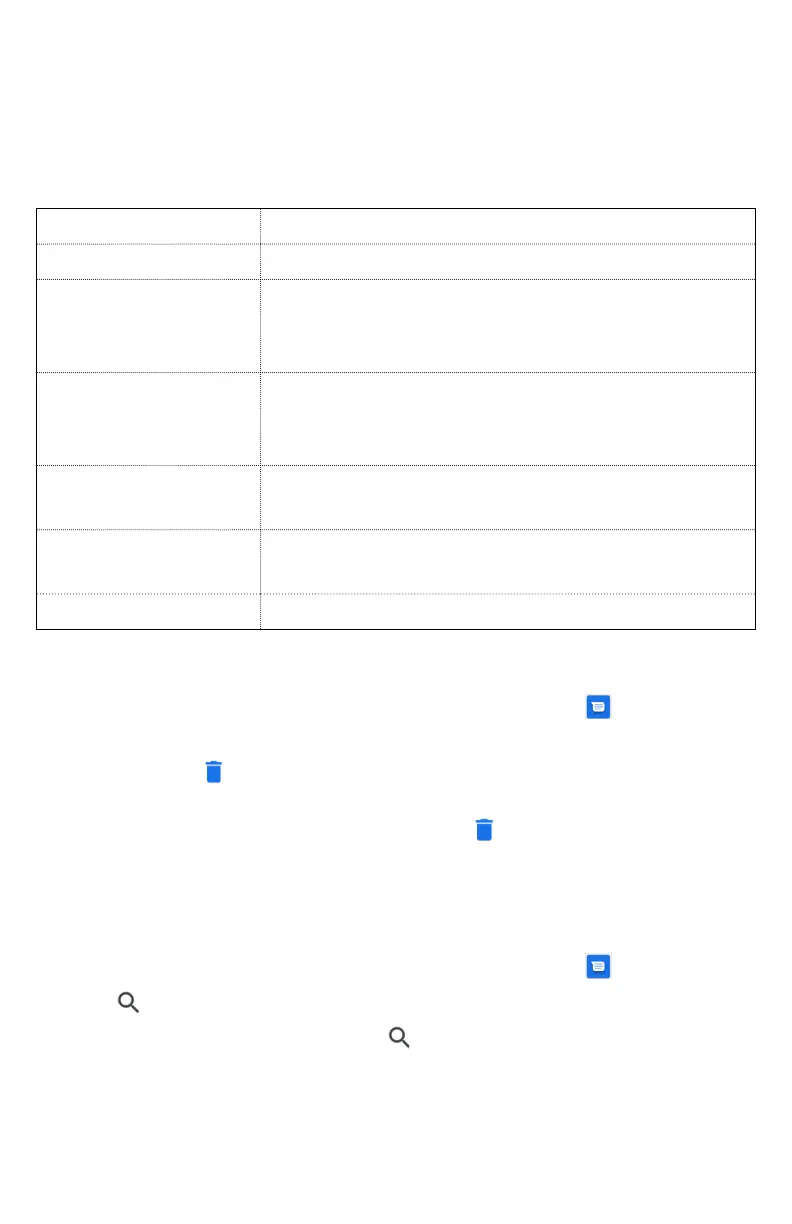
3. Tap and hold an individual message to see more options.
Save to SIM card
To save the message to SIM card.
Call icon
To call the message sender
Add to Contacts
To save the phone number or email
address to Contacts. (Only on messages
from unkown number)
Forward
To forward a message. Enter a recipient,
edit the content of the message as
needed >tap Send.
Copy message
text
Select an audio file.
View message
details
To view details about a message.
Delete message
To delete a message.
Deleting a message thread
1. From the Home screen, swipe screen Apps >
Messaging.
2. Tap and hold to select the message
thread, tap
Delete thread.
• If you want to delete all message threads, tap and hold a
message thread and select all, tap
Delete all threads.
3. Tap Delete.
Searching messages
1. From the Home screen, swipe screen Apps >
Messaging.
2. Tap
Search to search.
3. Enter the search term > tap
Search.



 To Next Page