21Moxee m2160 User Manual
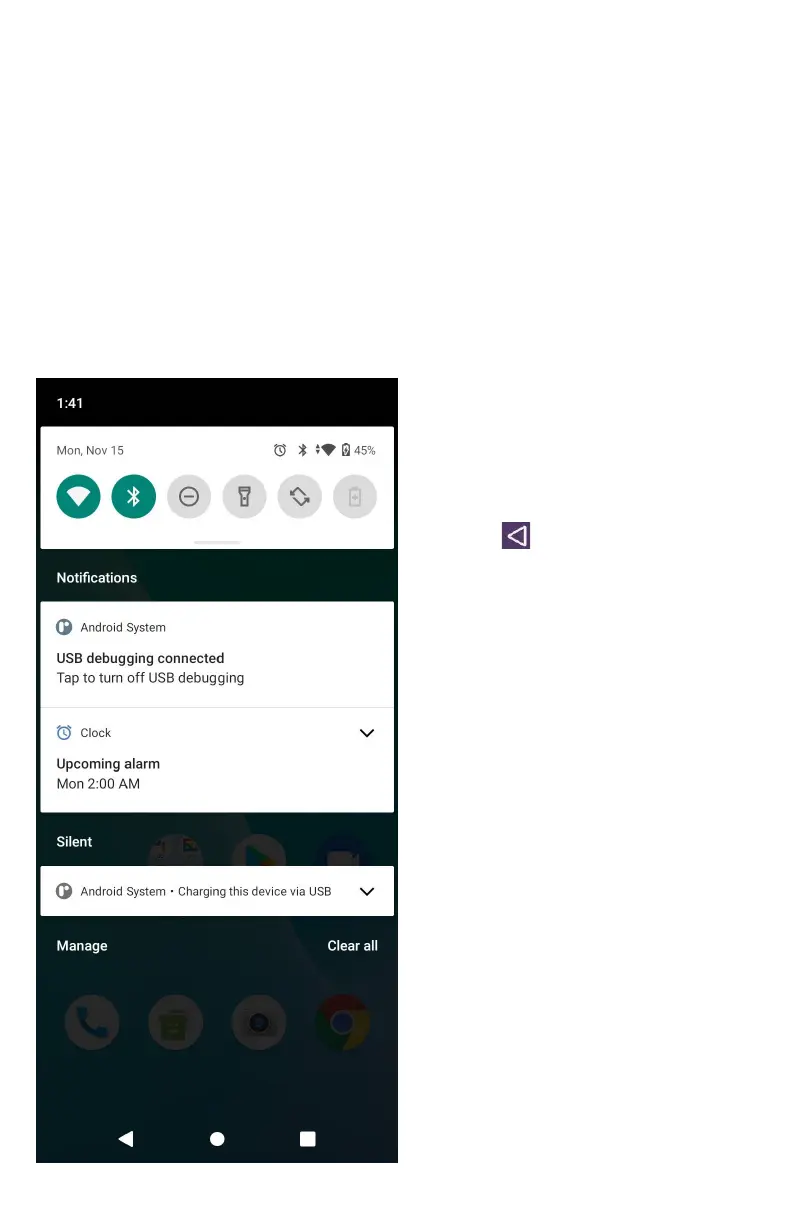
Notications Panel
When you receive a new notification, an icon will be
displayed in your status bar at the top of your screen.
Viewing and responding to Notifications
1. Tap and hold Status bar, and then slide your finger
downward to open the Notifications panel.
2. If you have multiple notifications, you
may need to scroll to see them all.
3. Tap a notification to respond to it.
2. Closing the
Notifications panel
Drag the bottom bar of
the panel up. Or just
press
Back.



 To Next Page