82Moxee m2160 User Manual
Settings
Settings on Your Phone
Control and customize phone settings on the Settings screen.
1. From the Home screen, swipe screen Apps >
Settings.
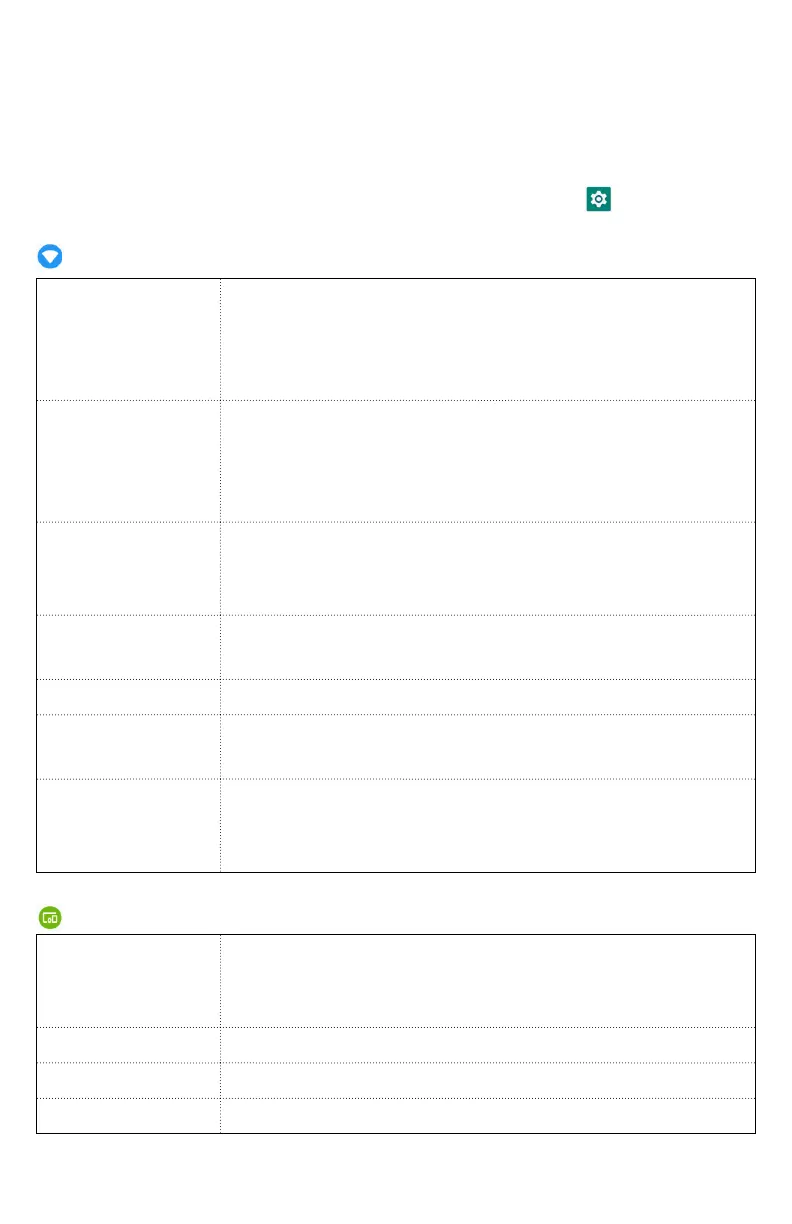
Network and Internet
Wi-Fi
Wi-Fi On / Off
Set up and manage Wi-Fi networks. For
details about working with these settings,
see “Wi-Fi”
Mobile
network
The settings include Roaming, Mobile data,
Data usage, network mode, Access Point
Names. Also you can select a network
operator
Data usage
This setting you can see mobile data and
wi-fi data statistics, and you can turn on or
turn off the data
Hotspot &
tethering
The settings include USB tethering, Wi-Fi
hotspot and Bluetooth tethering
Mobile plan
Set up mobile plan
VPN
Set up avnd manage Virtual Private
Networks (VPNs)
Airplane
mode
Airplane mode On / Off
Check to turn off all the phone’s radios that
transmit voice or data
Connected devices
Bluetooth
Bluetooth On / Off
For details about working with these
settings, see “Bluetooth”
Cast
Set to cast screen to nearby devices
Printing
Add print services to print
USB
Set USB mode



 To Next Page