7Moxee m2160 User Manual
Battery
Note that browsing the web frequently, extended data
usage, being in a poor signal area, or subjecting the device
to extreme temperatures will cause the battery to discharge
quicker than normal. To increase battery life, limit your data
usage, or turn off GPS and Bluetooth when not required.
Charging your battery
1. Before you turn on your device and start using it
is recommended that you charge the battery.
2. Plug the USB cable into the USB power adapter.
3. Plug the power adapter into a standard outlet.
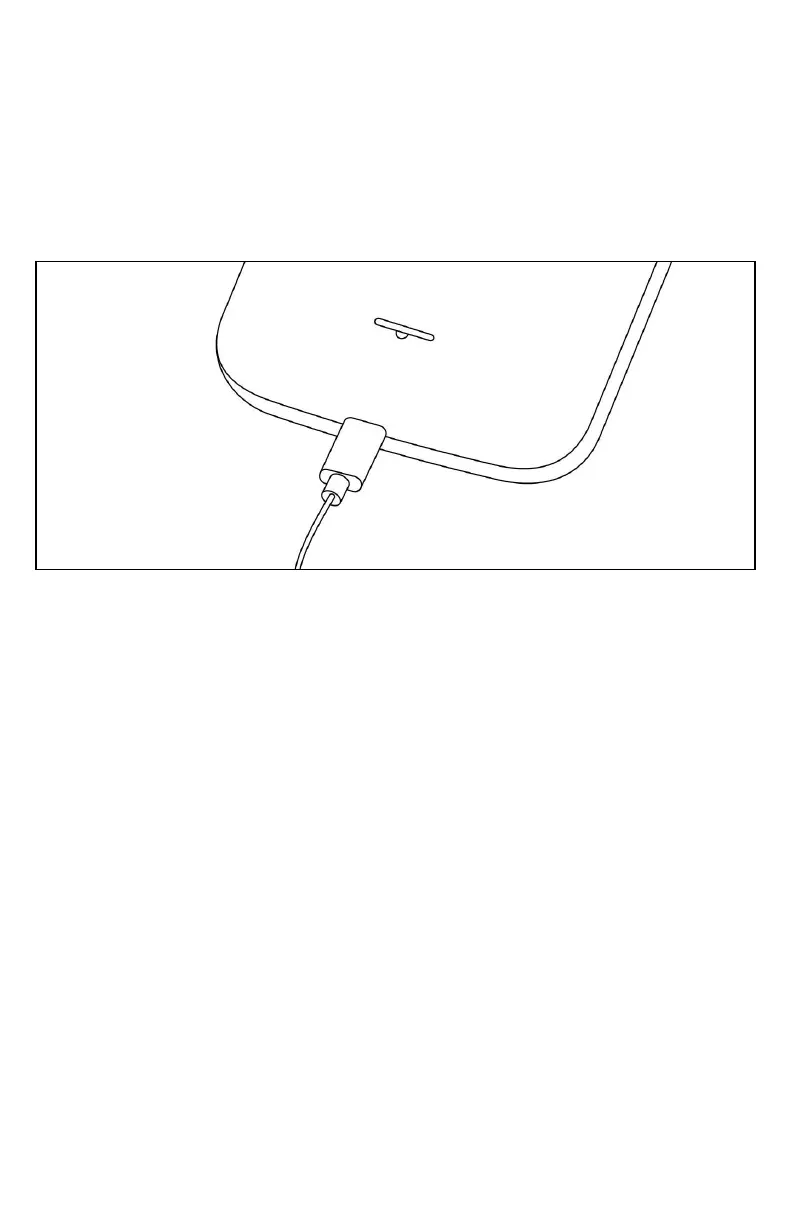
4. Locate the USB port located on the
underneath of your device.
5. Plug the other end of the USB cable into
the phone’s micro-USB port.
6. The USB icon on the cable should always face up
when connecting the cable to your device as shown.
Note:
• It is more efficient to charge the battery with your device powered off.
• Battery operating time gradually decreases over time.



 To Next Page