22Moxee m2160 User Manual
Opening & Switching Between Applications
Opening and closing the Applications List
1. From the Home screen, swipe screen Apps.
2. To close, press
Home or
Back.
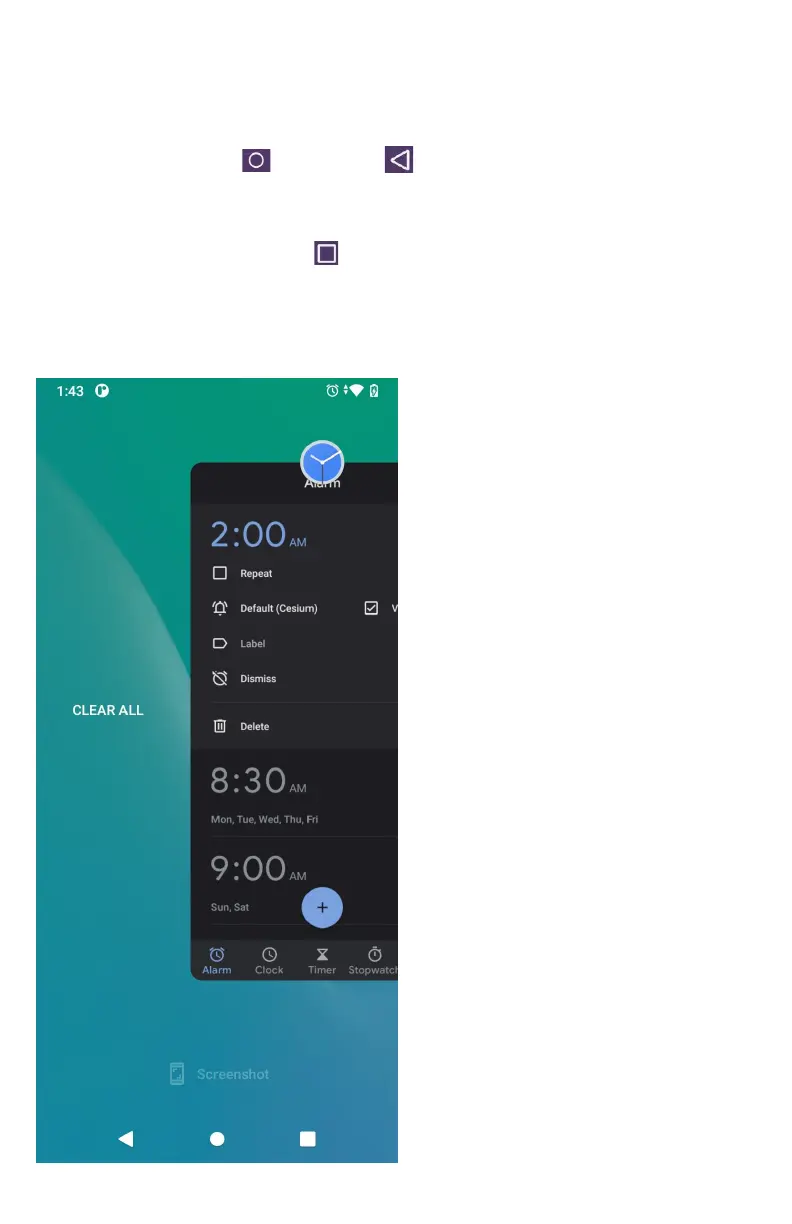
Switching to a recently used application
1. From any screen, tap
Recent apps. Scroll
to see all recently used application.
2. Tap an icon to open the application or press
Back to return to your previous screen.



 To Next Page