30Moxee m2160 User Manual
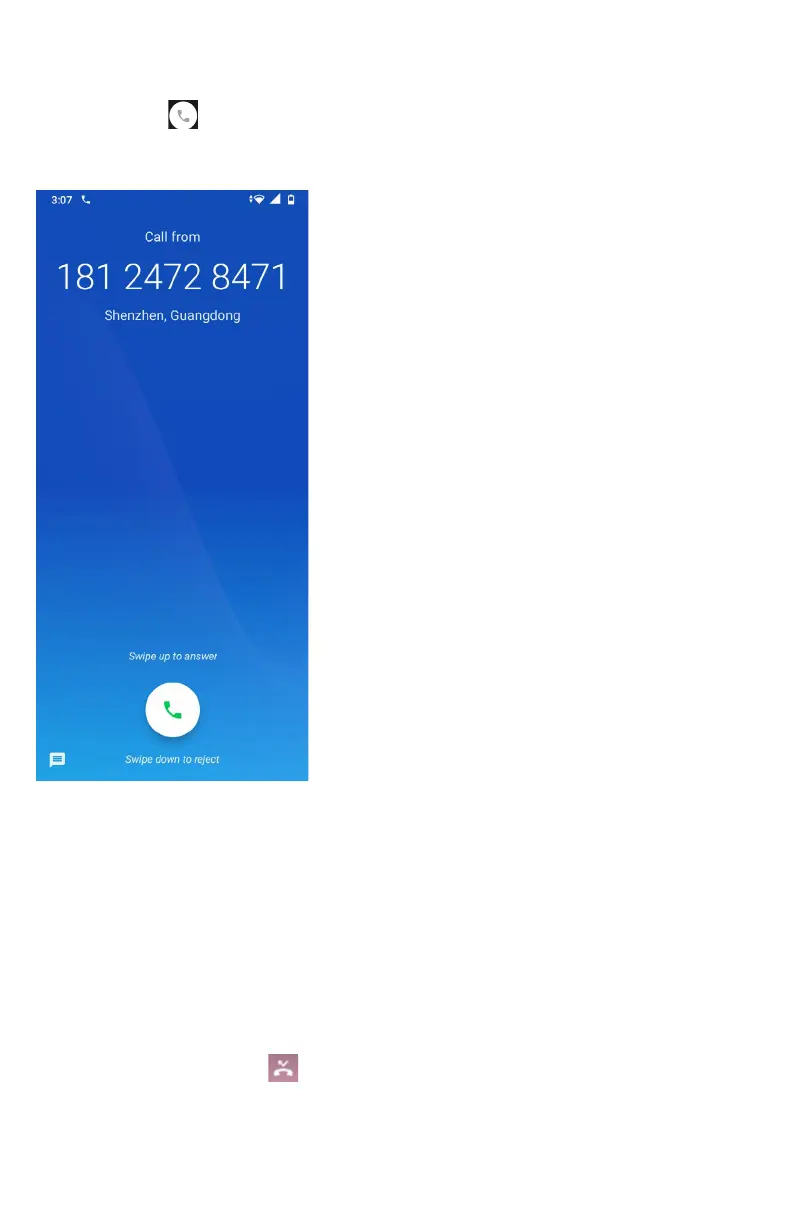
Answering or rejecting an incoming call
1. Drag the
icon in the direction of
the arrows to answer the call.
• If you were already in a call, the first call is placed on hold
during answering the new call.
• To silence the ringer before answering the call, press either
of the volume keys.
Note: The caller you reject is sent directly to your voicemail box to leave a
message.
Checking missed calls
• If you miss a call,
is displayed in the Status bar.
• If you open the Notifications panel, you will see the
number of missed calls. Tap the notification to be taken to
the call log and view detailed information.



 To Next Page