57Moxee m2160 User Manual
Editing or deleting an event
1 In event details view, press the event >
Edit event to edit the event.
2. Make your changes to the event > tap Done.
• To delete the event, press the event >
Delete event > tap
OK.
Synchronizing and displaying calendars
You can select which calendars to show or hide on your
phone’s Calendar, and which ones to synchronize.
1. From the Home screen, swipe screen Apps >
Calendar.
2. Tap
Option > Calendars to display.
All the calendars you’ve added or subscribed to are
displayed. (Calendars for accounts you’ve configured not to
synchronize are not included in the list.)
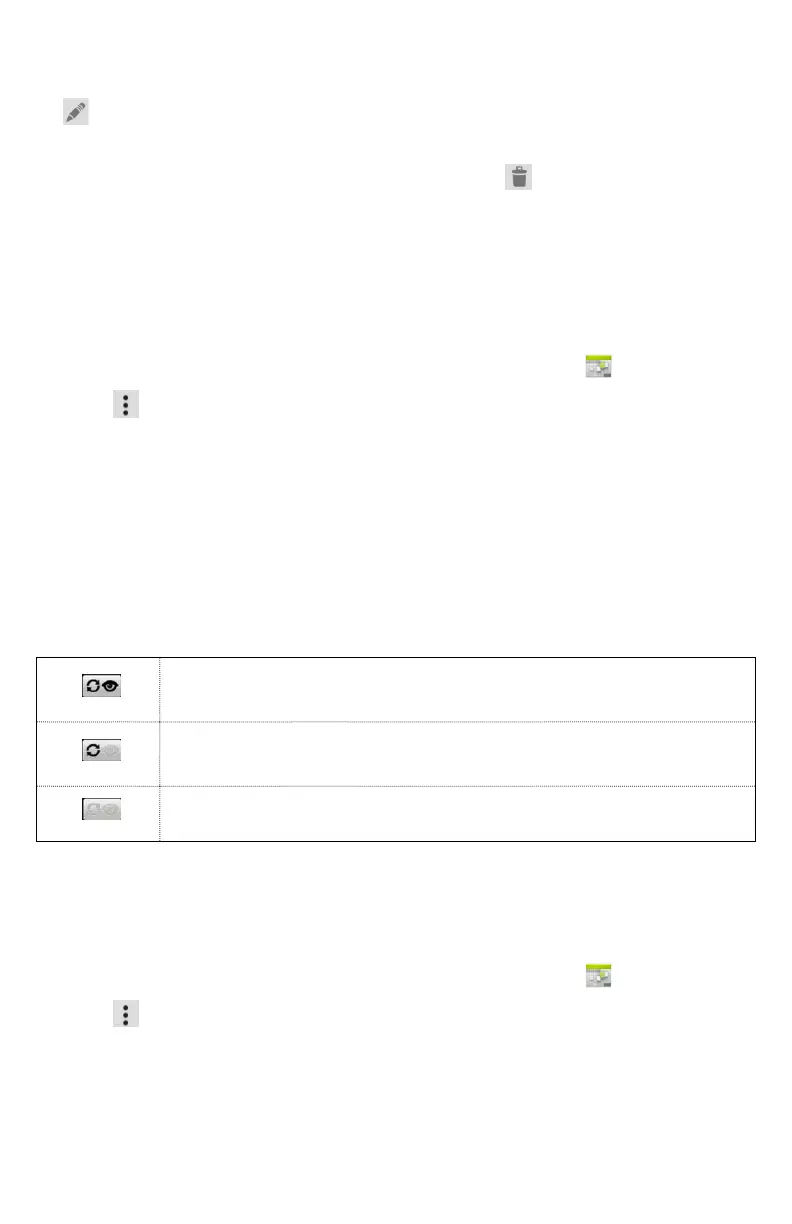
3. Tap the icon next to a calendar to change
storage and visibility settings.
Calendar events stored on phone and visible in
Calendar.
Calendar events stored on phone but not visible
in Calendar.
Calendar events not synchronized to phone.
4. Tap OK.
Changing Calendar settings
1. From the Home screen, swipe screen Apps >
Calendar.
2. Tap
Option > Settings.



 To Next Page