66Moxee m2160 User Manual
Watching videos
1. From the Home screen, swipe screen Apps >
YouTube.
2. Tap a video to begin playback.
• Tap the video to pause or resume playback.
• Tap Info, Related videos, or Comments to learn more
about the video.
• Rotate your phone to watch the video in full-screen view.
You can also double-tap the video to toggle full-screen
view on and off.
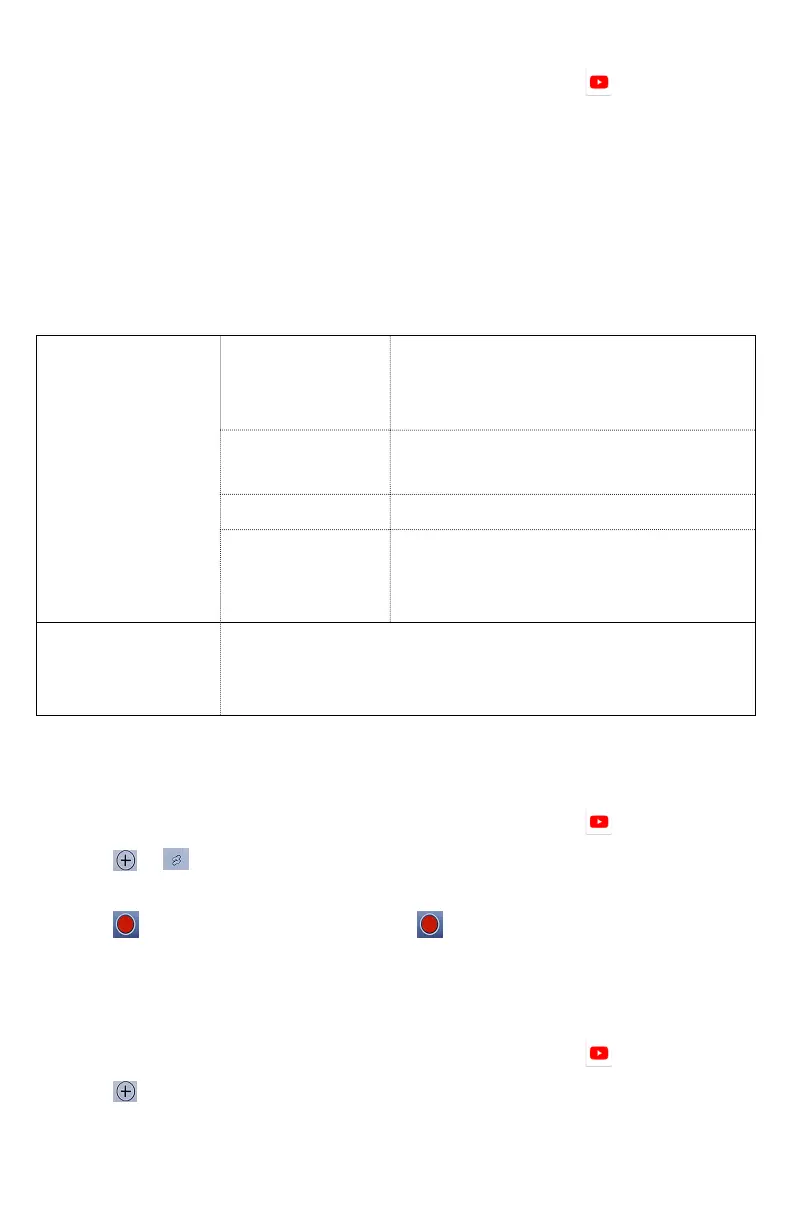
Add to
Watch later
Bookmark the video to watch
it later.
Favorites
Add the video to your
Favorites.
New playlist
Add your new playlist.
Default
reminder
time
Select the default reminder
time used when creating new
calendar events.
Share Share the video via Bluetooth, Email, Gmail
Uploading videos
To shoot and upload a new video
1. From the Home screen, swipe screen Apps >
YouTube.
2. Tap
> create a shot. The Camera
will open in video mode.
3. Tap
to start recording > tap to stop recording.
4. Enter a title for the video and more details > tap Upload.
To upload an existing video
1. From the Home screen, swipe screen Apps >
YouTube.
2. Tap
Option > Upload. The Gallery will open.
3. Tap the video you want to upload.
4. Enter the title for the video and more details > tap Upload.



 To Next Page