77Moxee m2160 User Manual
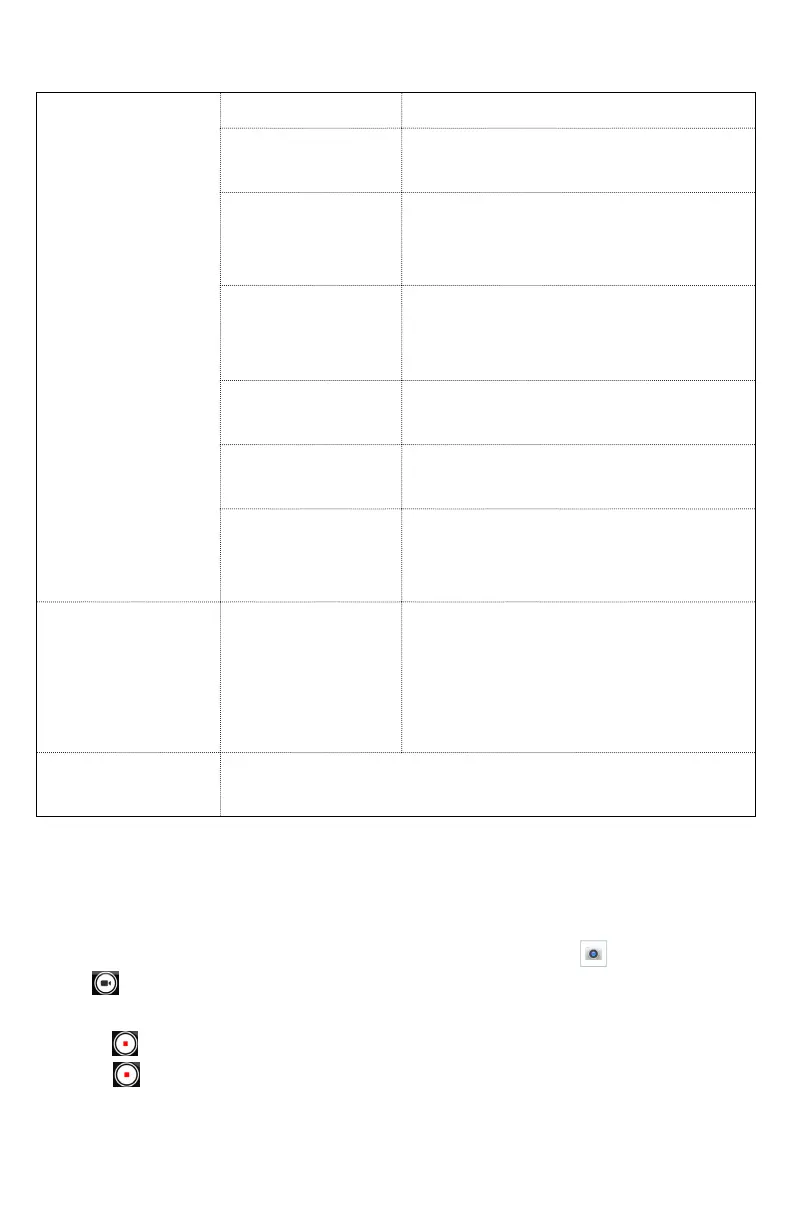
Tap the setting you want to change.
General
settings
Flash
On, Off
Video quality
HD 1080p, HD 720p, SD
480p, VGA, CIF, QVGA
Video
duration
30 seconds (MMS), 10
minutes, 30 minutes, no
limit
Noise
Reduction
Off, Fast, High Quality
Audio
Encoder
AMRNB, AAC
Video
Rotation
0, 90, 180, 270
Time lapse
Off, 0.5 seconds, 1 second,
1.5 seconds, 2 seconds, 2.5
seconds…
GPS location
Off / On
Activate to use your phone’s
location-based services.
Start recording wherever you
are and tag them with the
location.
Storage
To set the storage location to Phone/SD
Card
Note: Depending on the selected video quality, not all video quality and video
encoder options may be available.
Recording videos
1. From the Home screen, swipe screen Apps >
Camera
>tap
.
2. Frame the scene where you want to start recording.
3. Tap
to start recording.
4. Tap
to stop recording.
An image from your most recent video is displayed as a
thumbnail at the top right. Tap the thumbnail to view, share,
or work with your videos in Gallery.



 To Next Page