EasyManua.ls Logo

Moza Air 2S - Menu Description; Camera Menu Options; Gimbal Menu Options

Moza Air 2S
179 pages
Print Icon
To Next Page IconTo Next Page
To Previous Page IconTo Previous Page
Loading...
15
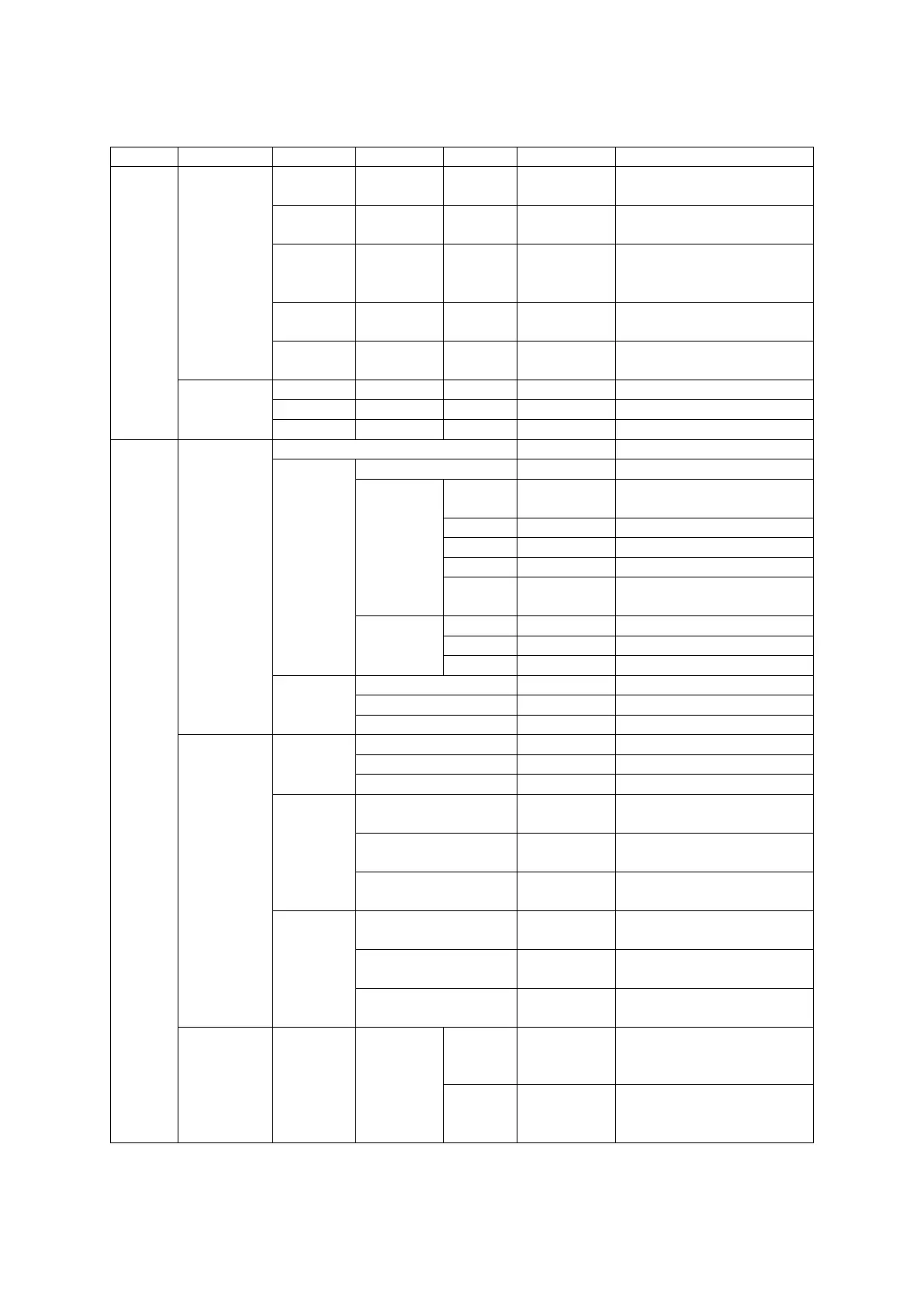
Menu Description
L1
L2
L3
L4
L5
Value
Function
Camera
Choice
Shutter
Cable
*
set the connection type to
universal shutter cable
MCSC-
Multi
*
set the connection type to
sony-multi port
MCSC-
Multi/C
*
set the connection type to
sony-multi port and power
supply
MCSC-
Remote
*
set the connection type to
panasonic-remote port
M3C-USB
*
set the connection type to
usb port
Parameters
ISO
32--106400
set the camera iso
TV
30--1/8000
set the camera shutter
AV
F1--F22
set the camera aperture
Gimbal
Motor
switch
? /ok
turn on/off motor
power
autotune
? /ok
tuning/tuned
level
ultra
light
*
set motor level to the
minimum
light
*
set motor level to light
medium
*
set motor level to medium
heavy
*
set motor level to heavy
ultra
heavy
*
set motor level to ultra
heavy
custom
tilt
0 - 100
set tilt motor power
roll
0 - 100
set roll motor power
pan
0 - 100
set pan motor power
filter
tilt
0 - 100
set tilt motor filter
roll
0 - 100
set roll motor filter
pan
0 - 100
set pan motor filter
Follow
switch
tilt
on/off
enter/exit tilt follow mode
roll
on/off
enter/exit roll follow mode
pan
on/off
enter/exit pan follow mode
speed
tilt
0 - 100
set the following speed of
tilt motor
roll
0 - 100
set the following speed of
roll motor
pan
0 - 100
set the following speed of
pan motor
deadband
tilt
0 - 100
set the following initiation
angle of tilt motor
roll
0 - 100
set the following initiation
angle of roll motor
pan
0 - 100
set the following initiation
angle of pan motor
Operation
joystick
function
left-right
tilt/roll/pan
move the joystick left/right
to control the tilt/roll/pan
rotation
up-
down
tilt/roll/pan
move the joystick up/down
to control the tilt/roll/pan
rotation

Related product manuals