28
Management
Smartphone and PC Connection
The Air 2S is equipped with BLUETOOTH 5.0 and can be connected with smartphones.
Users can set parameters, shot time-lapse video, upgrade firmware and make other
operations via the MOZA Master App. With a Type-C USB interface, the Air 2S is able to
be connected to a computer. Users can set parameter, upgrade firmware and make
other operations via the MOZA Master software.
Download Link: https://www.gudsen.com
Note:
1. The MOZA Master supports iOS, Android, Windows and MacOS
2. Before using the MOZA Master on computer, please install the driver first,
otherwise the computer cannot recognize the Air 2S
3. Smart phones cannot directly pair with the Air 2S via Bluetooth, MOZA Master
App must be used to connect your phone with the Air 2S
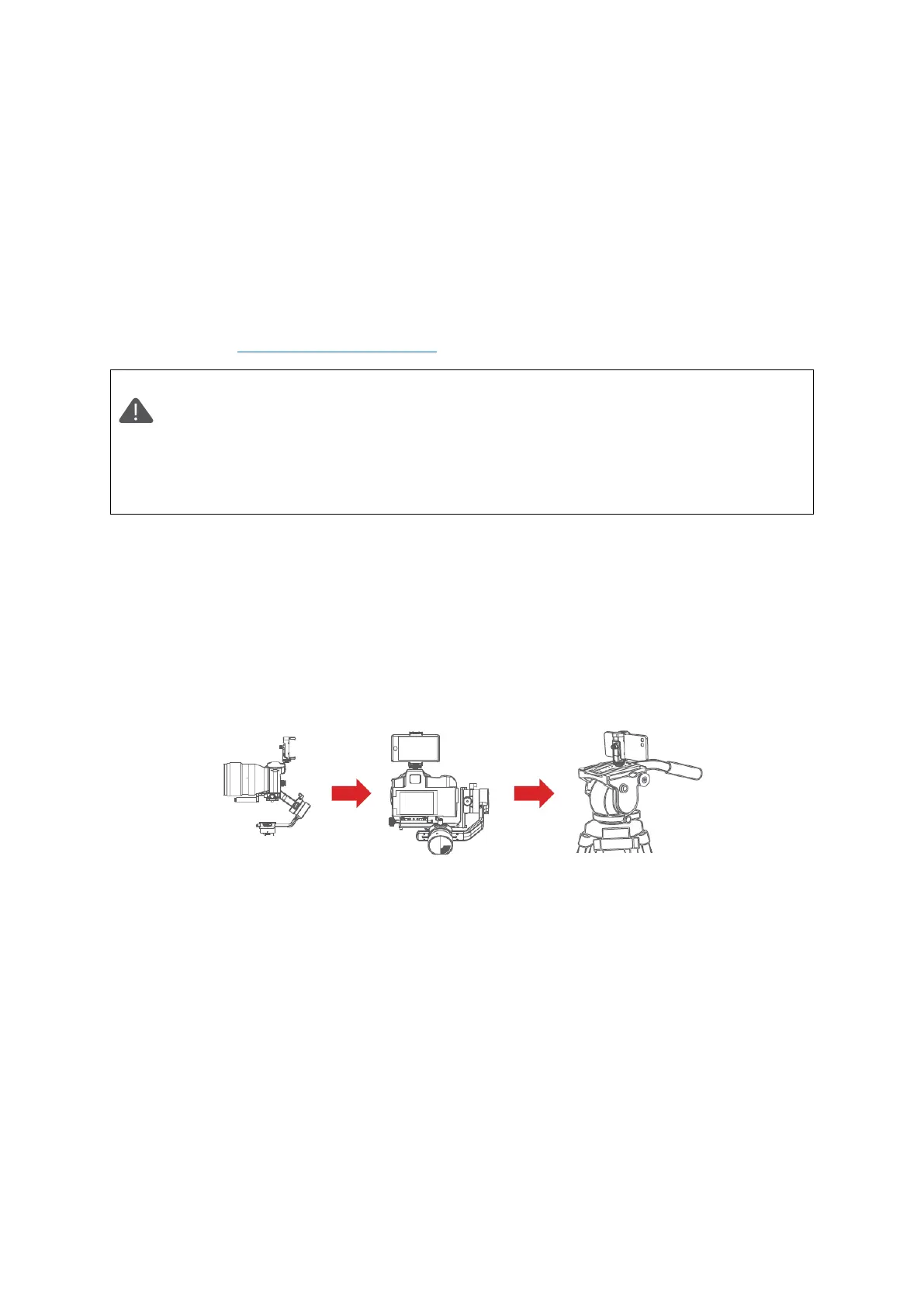
Install the Phone Holder
Install the phone on top of the camera. Operate object tracking through App.
• Fix the phone holder to the hot shoe connector on the top of the camera
• Place the phone horizontally in the phone holder
• Open the App.Enter the object tracking feature. Adjust the phone angle. Make the
phone framing as consistent as possible with the camera framing.
In addition to being mounted on the top of the camera for object tracking, the phone
holder can also be used to fasten the phone to tripod head for mimic motion control.
Firmware Upgrade
Upgrade via computer:
• Turn off the gimbal.
• Hold the Menu button and do not release, then press the power button with the
other hand until the prompt ‘Boot Mode’ appears on the screen.
• Connect the gimbal to the computer with a USB Type-C cable.
• The software will automatically identify the device and load the firmware. Press the
‘Upgrade’ button and wait for about 30s.
• Restart the gimbal after the upgrade.



 To Next Page