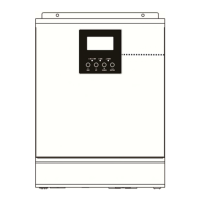
Display Setting
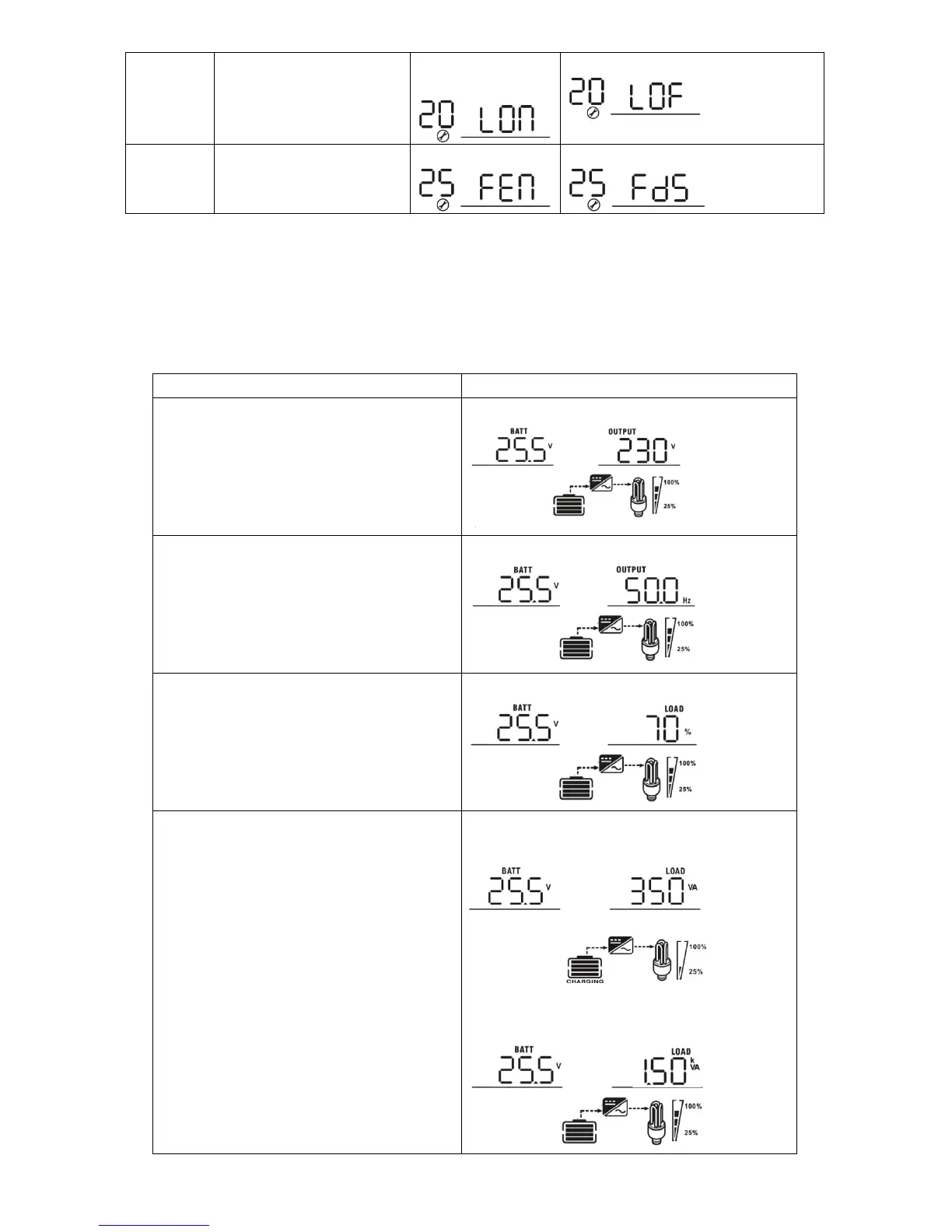
The LCD display information will be switched in turns by pressing “UP” or “DOWN” key. The selectable
information is switched as below order: battery voltage, output voltage, output frequency, load percentage,
load in Watt, load in VA.
Battery voltage/Output voltage
(Default Display Screen)
Battery voltage=25.5V, output voltage=230V
Battery voltage=25.5V, Output frequency=50Hz
Battery voltage=25.5V, Load percentage=70%
When connected load is lower than 1kVA, load in
VA will present xxxVA like below chart.
When load is larger than 1kVA (≧1KVA), load in
VA will present x.xkVA like below chart.


 To Next Page
 Loading...