4 Functions and settings
18
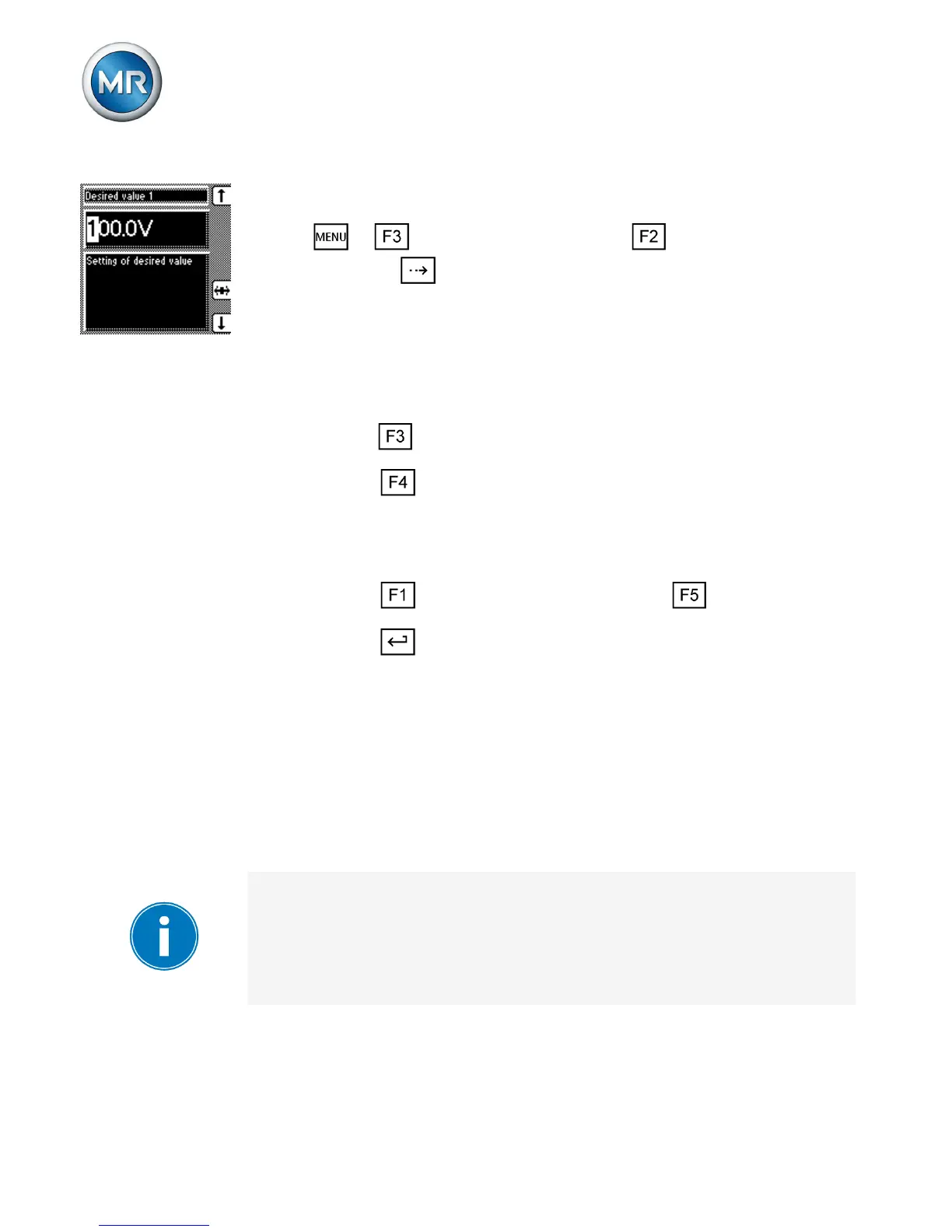
Proceed as follows to set the desired value:
1. > Control parameter > voltage regulator
> Press until the desired parameter is dis-
played.
ð Desired value 1/Desired value 2/Desired val-
ue 3.
2. If you have already entered the transformer data,
press to select the unit you want: "V" or "kV".
3. Press to highlight the position.
ð The desired position is highlighted and the
value can be changed.
4. Press to increase the value or to reduce it.
5. Press .
ð The desired value is set.
Selecting a desired value
You can use this parameter to select the active desired
value 1, 2 or 3.
If you select the desired value using appropriately con-
figured GPIs, this parameter's setting is ignored. Refer
to the operating instructions for more information about
GPI configuration.
4.3.2



 To Next Page