4 Functions and settings
17
Settings in kV are only possible if you have previously
entered the parameters for primary and secondary volt-
age.
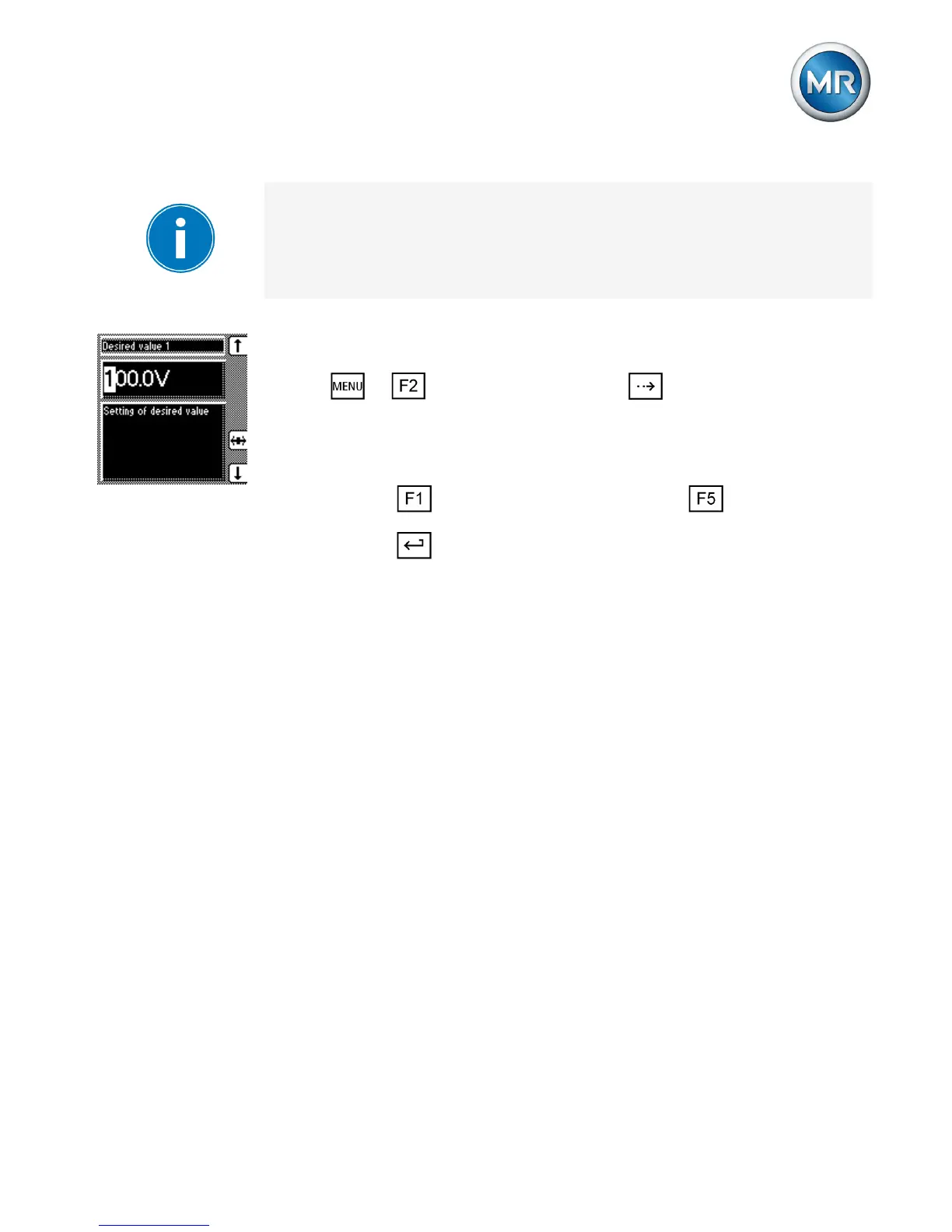
Proceed as follows to set the desired value:
1. > NORMset > Press until the desired
parameter is displayed.
ð Desired value 1.
2. Press to increase the value or to reduce it.
3. Press .
ð The desired value is set.
Control parameters
Setting desired value 1...3
You can set up to 3 desired voltage values. Desired val-
ue 1 is the default desired value. Desired values 2 and 3
are activated if there is a continuous signal at factory-pre-
set control inputs 4:17 or X4:18.
4.3
4.3.1



 To Next Page