3 Hardware
10
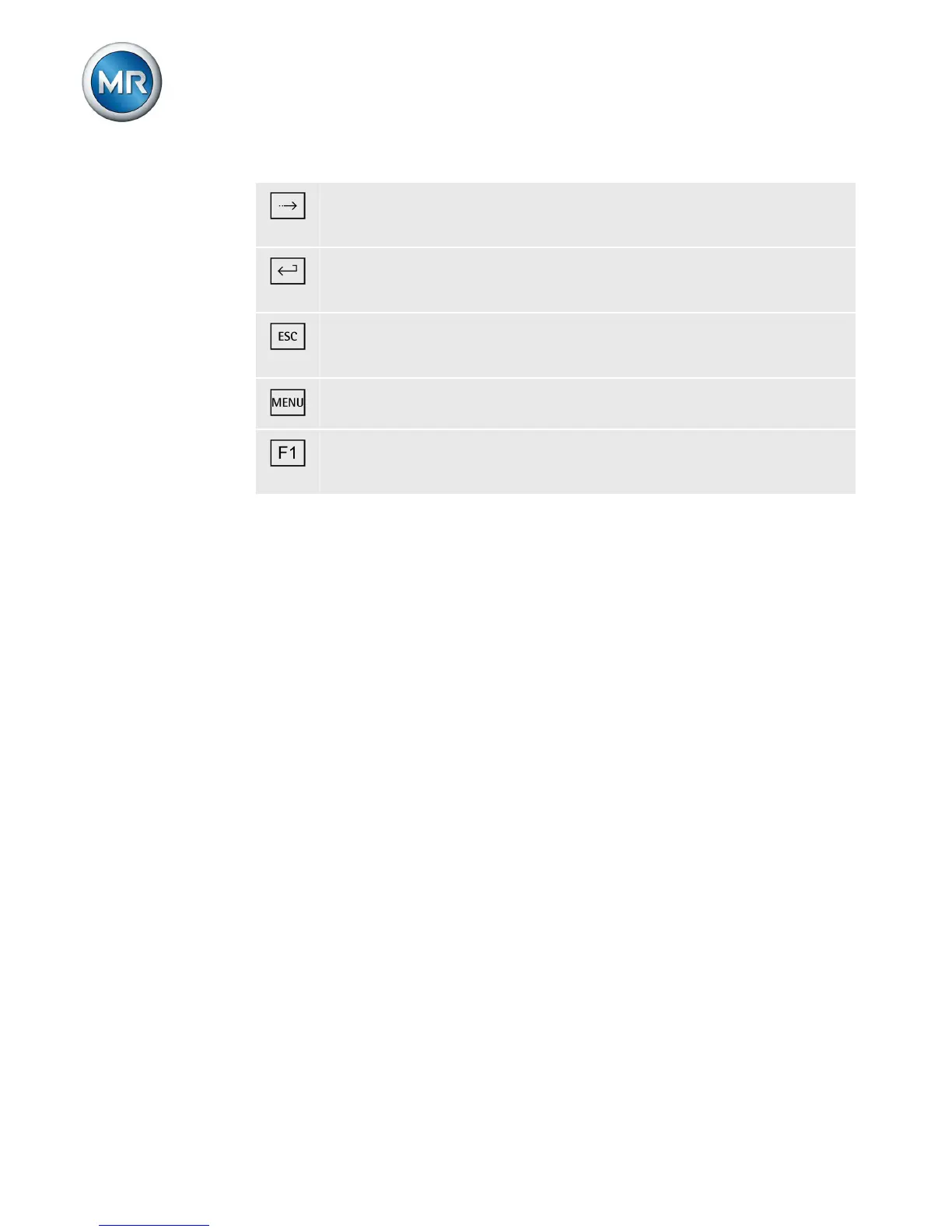
NEXT key: Change measured value display and switch
to next parameters.
ENTER key: Confirm selection and save modified pa-
rameters.
ESC key: Escape current menu and select previous
menu levels.
MENU key: Select main menu.
F1 to F5 function keys: Select functions displayed on the
screen.
Display elements
The device has a graphics display and 15 LEDs, which
indicate the various operating statuses or events.
3.2



 To Next Page