4 Functions and settings
19
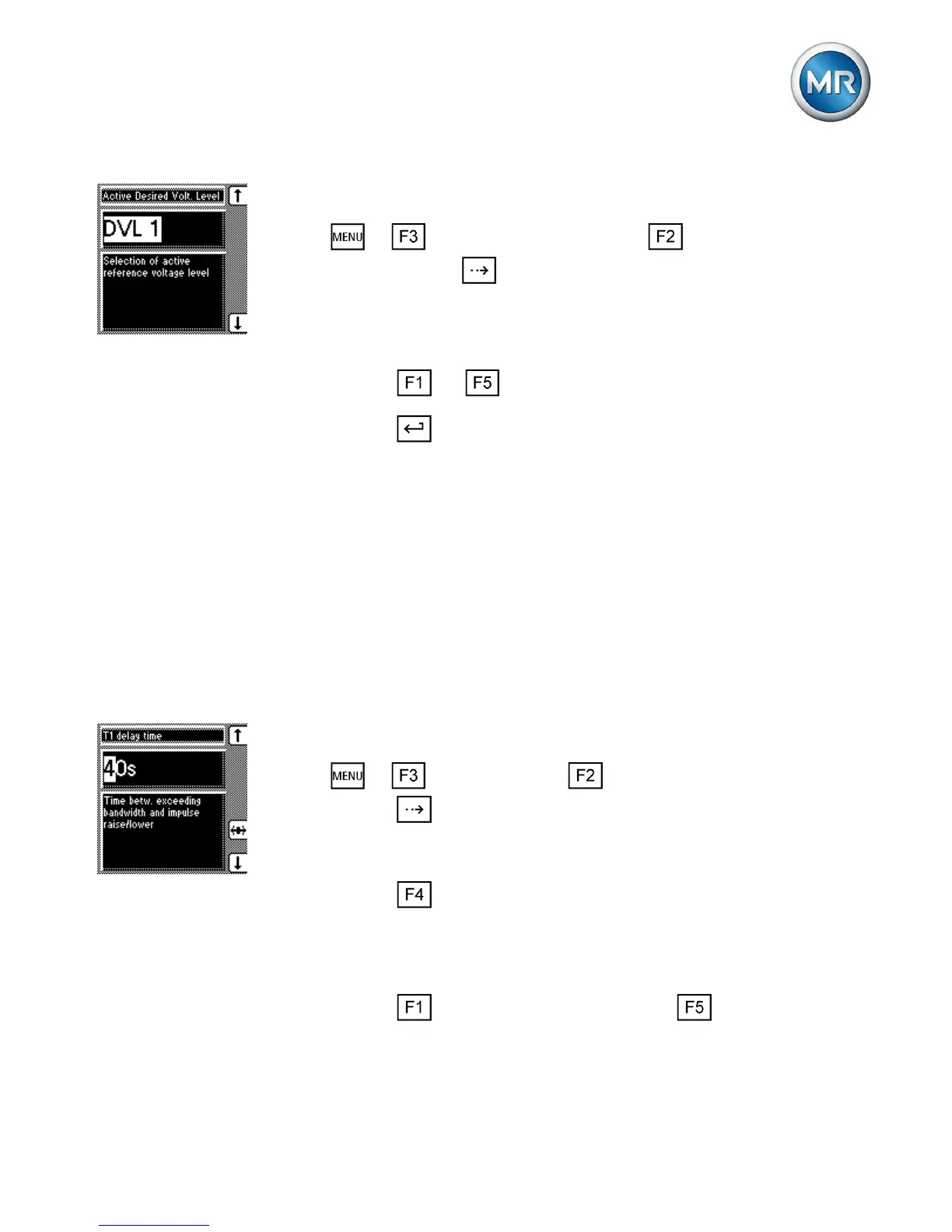
Proceed as follows to select a desired value:
1. > Control parameter > Voltage regula-
tion > Press until the desired parameter is dis-
played.
ð Active Desired Volt. Level
2. Press or to select an active desired value.
3. Press .
ð The selected desired value is active.
Setting delay time T1
This function delays the issuing of a tap-change com-
mand for a defined period. This prevents unnecessary
tap-change operations if the tolerance bandwidth is exit-
ed.
To set the delay time T1, proceed as follows:
1. > Parameter > Control parameter >
Press until the desired parameter is displayed.
ð Delay time T1.
2. Press to highlight the position.
ð The desired position is highlighted and the
value can be changed.
3. Press to increase the time or to reduce it.
4.3.3



 To Next Page