3 Hardware
9
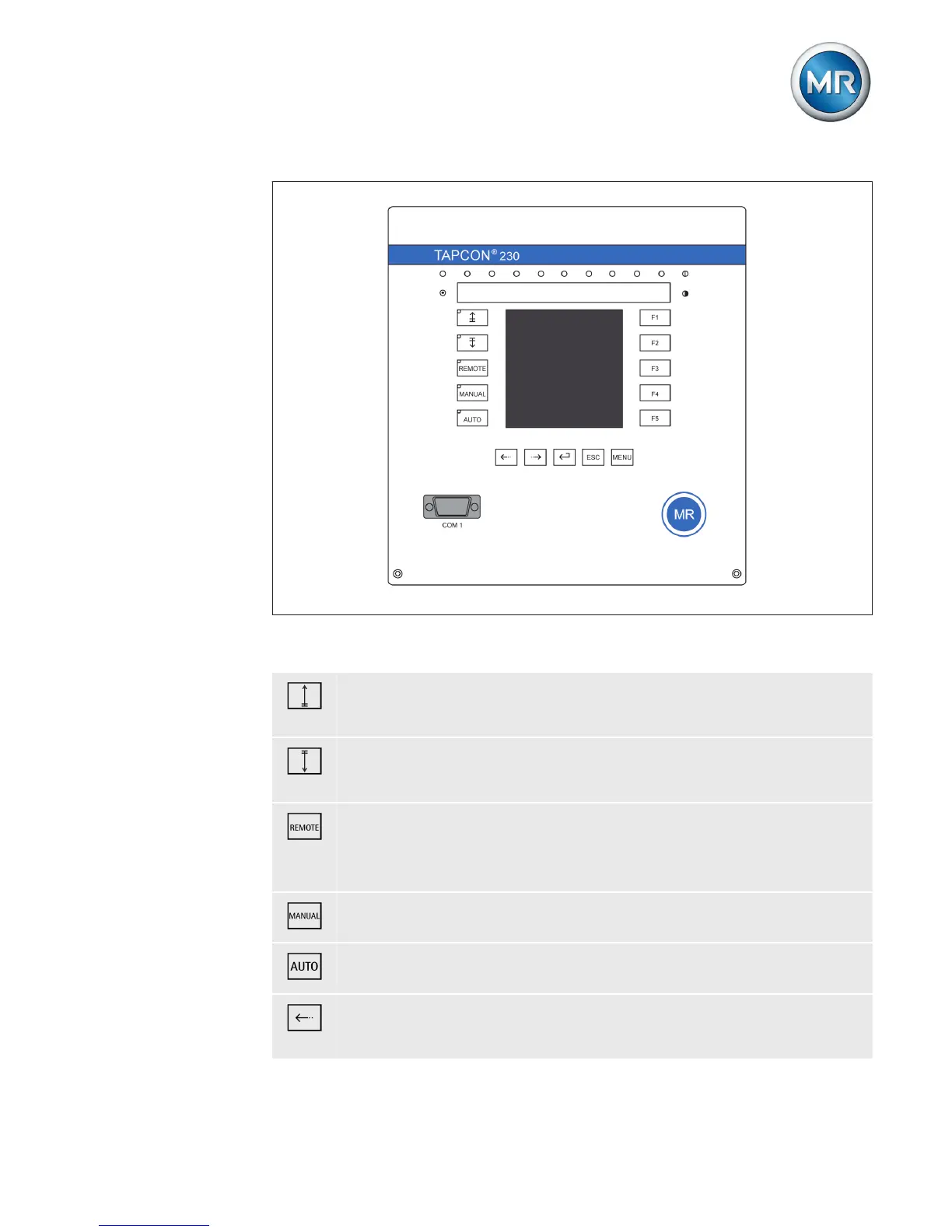
Figure 1: Operating controls
RAISE key: Sends control command for raise tap-
change to the motor-drive unit in manual mode.
LOWER key: Sends control command for lower tap-
change to the motor-drive unit in manual mode.
REMOTE key: Activate/deactivate "Remote" operating
mode. When you deactivate this operating mode, the
"Local" operating mode is automatically activated.
MANUAL key: Activate "Manual mode" operating mode.
AUTO key: Activate "Auto mode" operating mode.
PREV key: Change measured value display and switch
to previous parameters.



 To Next Page