4 Functions and settings
16
3. Press .
ð The primary voltage is set.
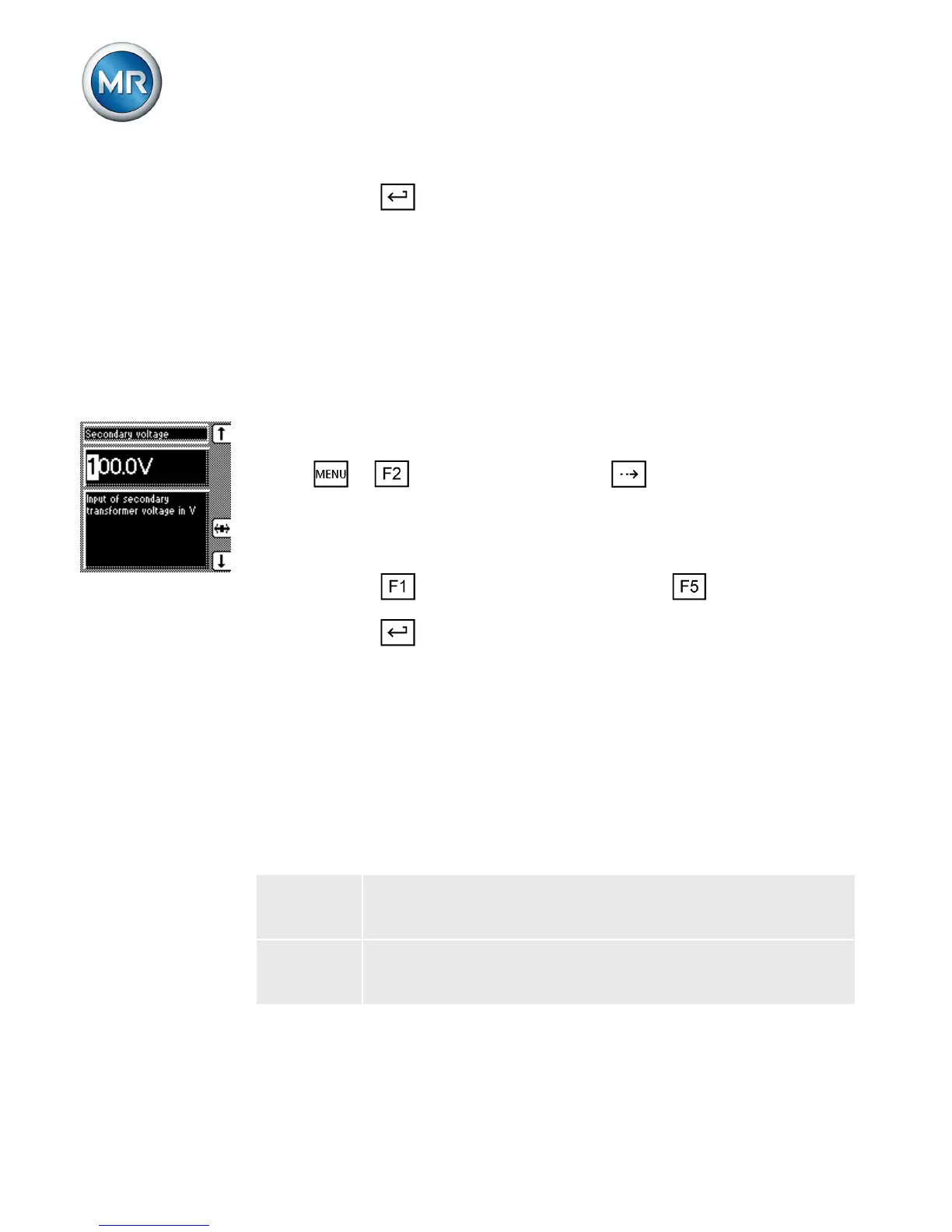
Setting the secondary voltage
With this parameter, you can set the voltage transform-
er's secondary voltage.
Proceed as follows to set the secondary voltage:
1. > NORMset > Press until the desired
parameter is displayed.
ð Secondary voltage.
2. Press to increase the value or to reduce it.
3. Press .
ð The secondary voltage is set.
Setting desired value 1
With this parameter, you can set the desired value for au-
tomatic voltage regulation. You can enter the desired val-
ue as follows:
In V The value relates to the secondary voltage of the
voltage transformer.
In kV The value relates to the primary voltage of the volt-
age transformer.
Table 1: Desired value setting



 To Next Page