4 Functions and settings
15
A manual tap-change operation is required to activate
NORMset. This is how the voltage regulator determines
the bandwidth required.
If the transformer is switched off, another manual tap-
change operation is required.
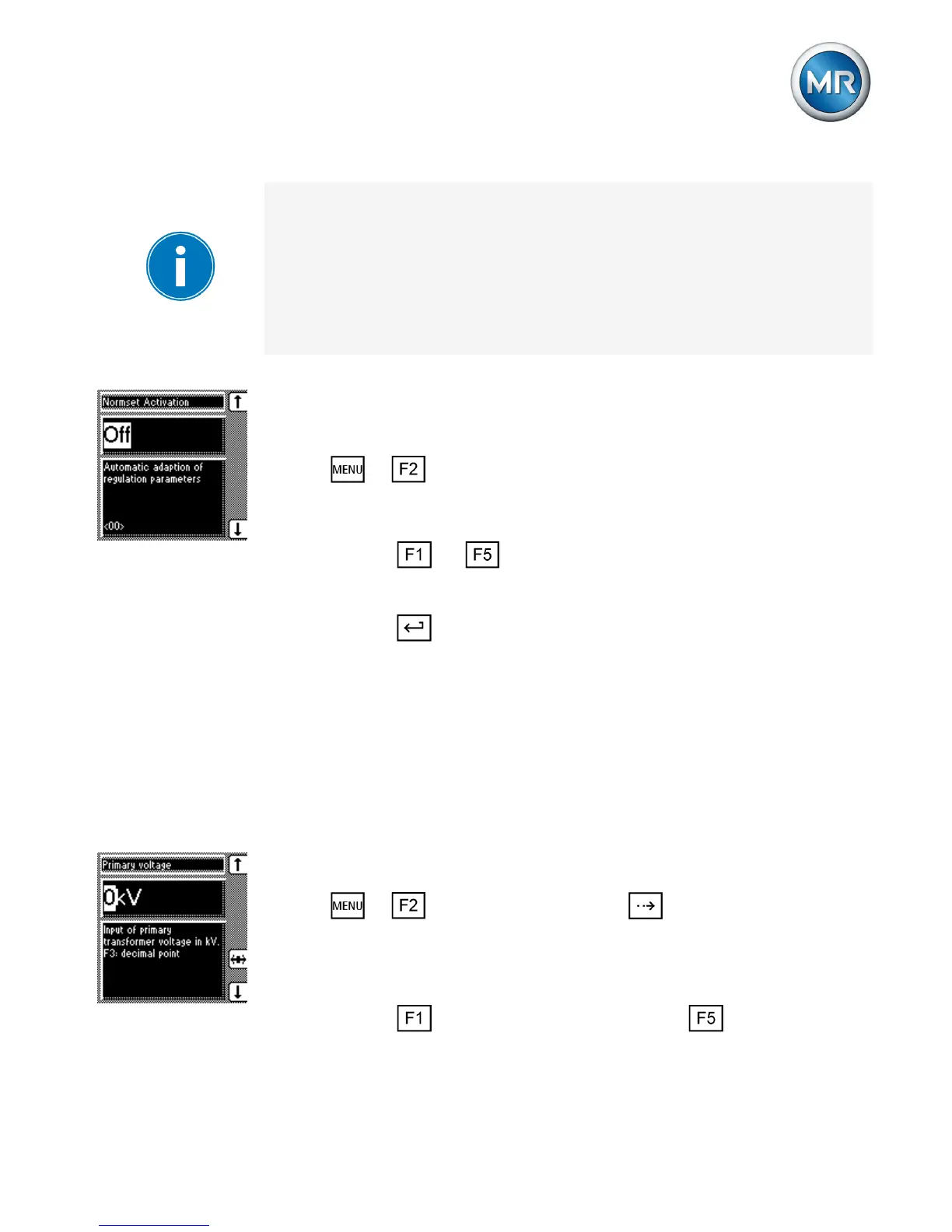
Proceed as follows to activate/deactivate NORMset
mode:
1. > NORMset
ð NORMset activation.
2. Press or to activate NORMset by selecting
On or to deactivate NORMset by selecting Off.
3. Press .
ð NORMset is activated/deactivated.
Setting the primary voltage
With this parameter, you can set the voltage transform-
er's primary voltage.
Proceed as follows to set the primary voltage:
1. > NORMset > Press until the desired
parameter is displayed.
ð Primary voltage.
2. Press to increase the value or to reduce it.



 To Next Page