27
Operation
GB
Model 9010/9020 SIL
4.2 Configuration Menu
If required, the control units are delivered already configured and calibrated by MSA based on the
specifications provided by the customer. The configuration is recorded in the CALIBRATION
DATA SHEET.
Modifications can be made via the various steps in each of the Access Codes recorded below.
To identify various menu functions related to individual access codes refer to chapter 5.
4.3 Use of the Keys for Access to the Codes
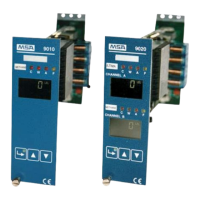
The Access Codes are accessed by holding down the ENTER key in normal operating mode (for
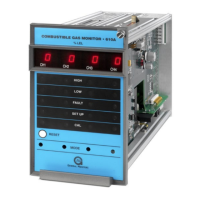
approx. 3 s) until the green POWER LED on the front panel starts blinking.
To ensure greater protection against unwanted access, the password needs to be entered.
Access Code 1 Calibration
Access Code 2 Settings for particular operating conditions
Access Code 3 Simulation and function tests
Access Code 4 Configuration
Access Code 6 Basic setup
Access Code 7 Peripherals setup
Access Code 52 Input and Output Setup
Access Code 53 Default settings
Access Code 123 Access code for setup menus: 2, 4, 7, 52, 53
Access Code 223 Password setup



 To Next Page