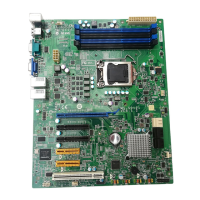
MS-9638 Server Board
2-4
4. After confirming the CPU direction
(indicated below with red circles)
for correct mating, put down the
CPU in the socket housing frame.
Be sure to grasp on the edge of
the CPU base. Note that the align-
ment keys are matched.
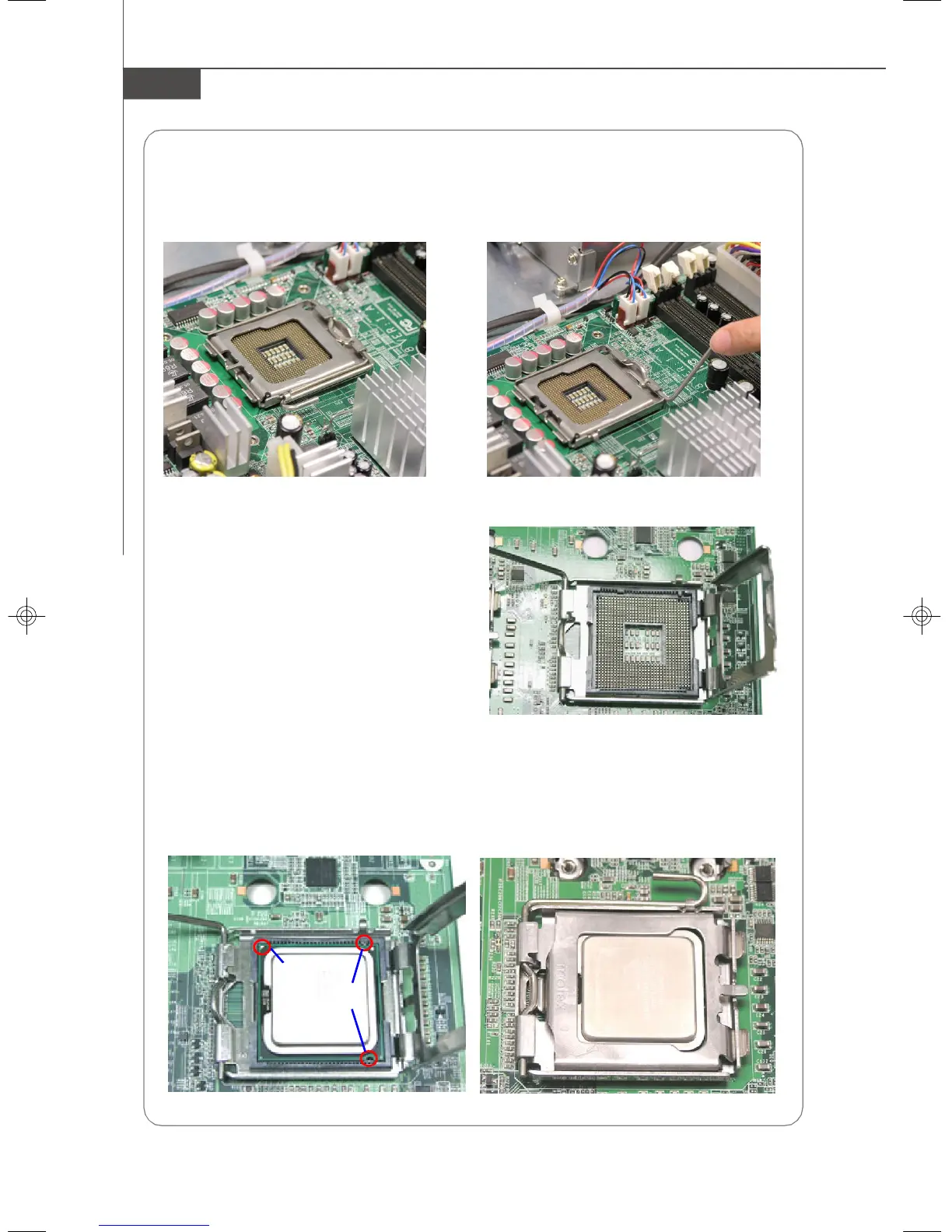
Installing the LGA771 CPU
1. Locate the CPU socket. 2. Raise the load lever up to its full extent.
3. Open the load plate.
5. Visually inspect if the CPU is seated well into the socket. If not, take out the CPU
with pure vertical motion and reinstall.
6. Cover the load plate onto the package.
7. Press down the load lever lightly onto the load plate and then secure the lever
with the hook under the retention tab.
Yellow triangle
Alignment Key
9638v3.0-2.p65 2007/5/8, 下午 01:544



 To Next Page