3-22
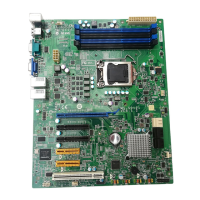
MS-9638 Server Board
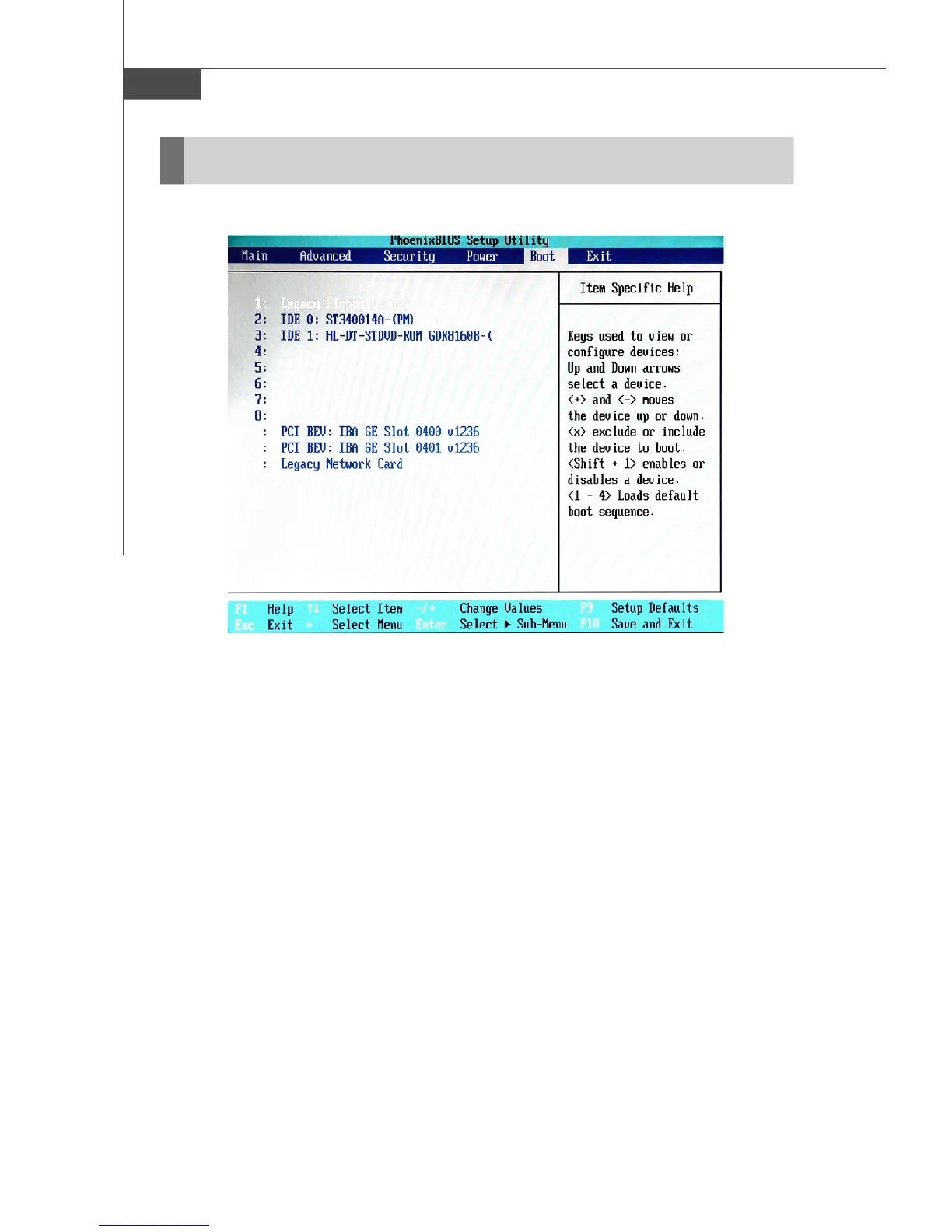
Boot
These settings allow users to set the priority of the specified devices.You may use
the arrow keys ( ↑↓ ) to select the desired device, <+>/<-> key to move it up/down
in the priority list, <x> key to exclude or include the device to boot, (Shift + 1) to enable
or disable a device, (1 - 4) keys to load default boot sequence.



 To Next Page