+D=FJAH
2-18
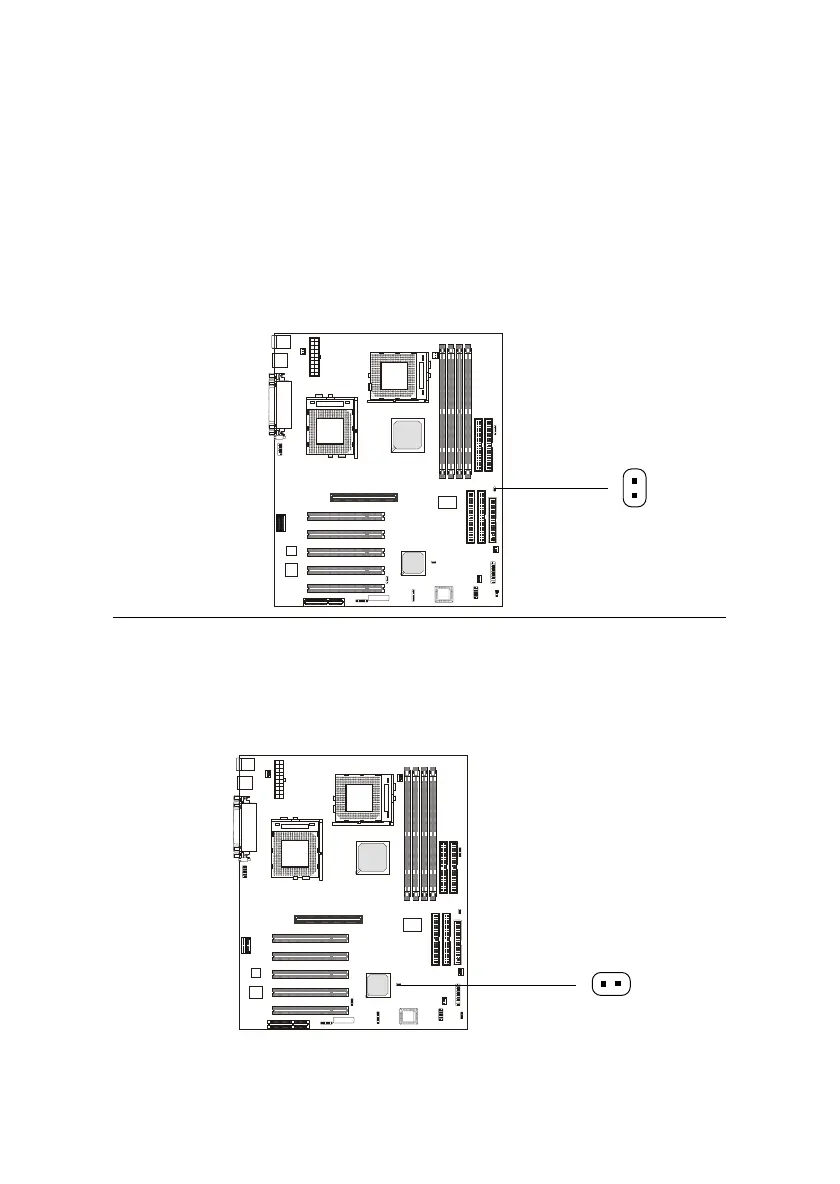
Power Saving Switch Connector: JGS1
Attach a power saving switch to this connector. Pressing the switch
once will have the system enter the sleep/suspend state. Press any key to
wake up the system.
JGS1
Remote Power On/Off Switch Connector: JRMS1
Connect to a 2-pin push button switch. When OFF, pressing the but-
ton can turn the system on. When ON, pressing the button once will make the
system enter the sleep/suspend state. If the button is pressed for more than
four seconds, the system will be turned off. To change the setup, go to the
BIOS Power Management Setup.
JRMS1



 To Next Page