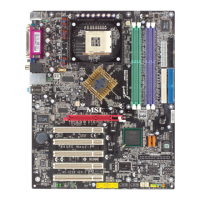
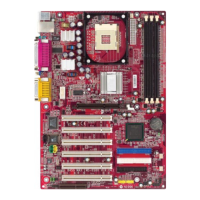
MS-6728 ATX Mainboard
C-14
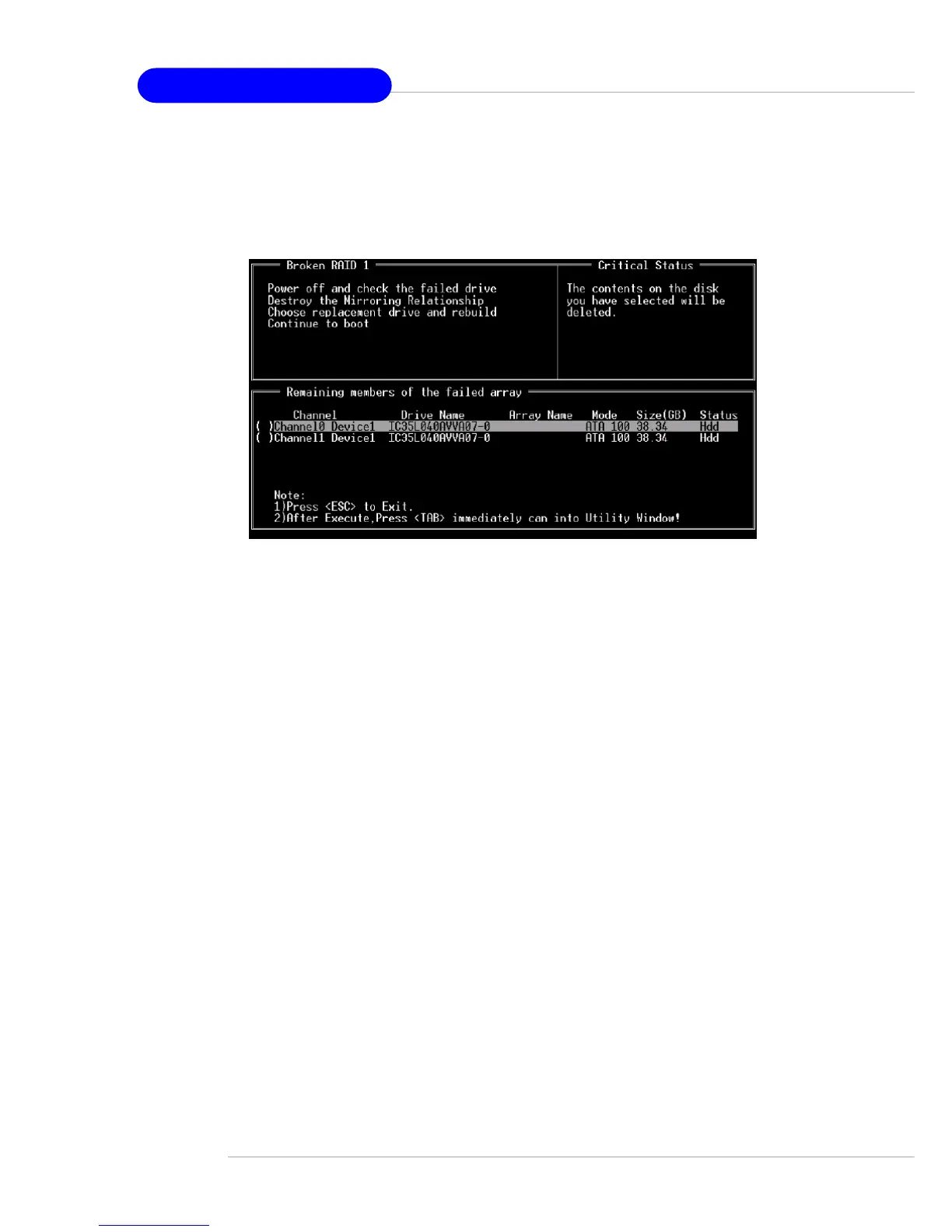
3. Choose Replacement Drive and Rebuild:
This item enables users to select an already-connected hard drive to
rebuild the broken array. After choosing a hard drive, the channel column will
be activated.
Highlight the target hard drive and press <Enter>, a warning message
will appear. Press Y to use that hard drive to rebuild, or press N to cancel.
Please note selecting option Y will destroy all the data on the selected hard
drive.
4. Continue to boot:
This item enables BIOS to skip the problem and continue booting into
OS.


 To Next Page
 Loading...