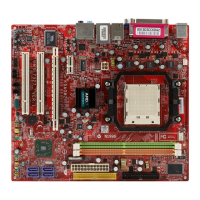
MS-7280 Mainboard
B-4
Define LD (Creating RAID)
The selection of the RAID configuration should be based upon factors including
performance, data security, and the number of drives available. It is best to carefully
consider the long-term role of the system and plan the data storage strategy. RAID
sets can be created either automatically, or to allow the greatest flexibility, manually.
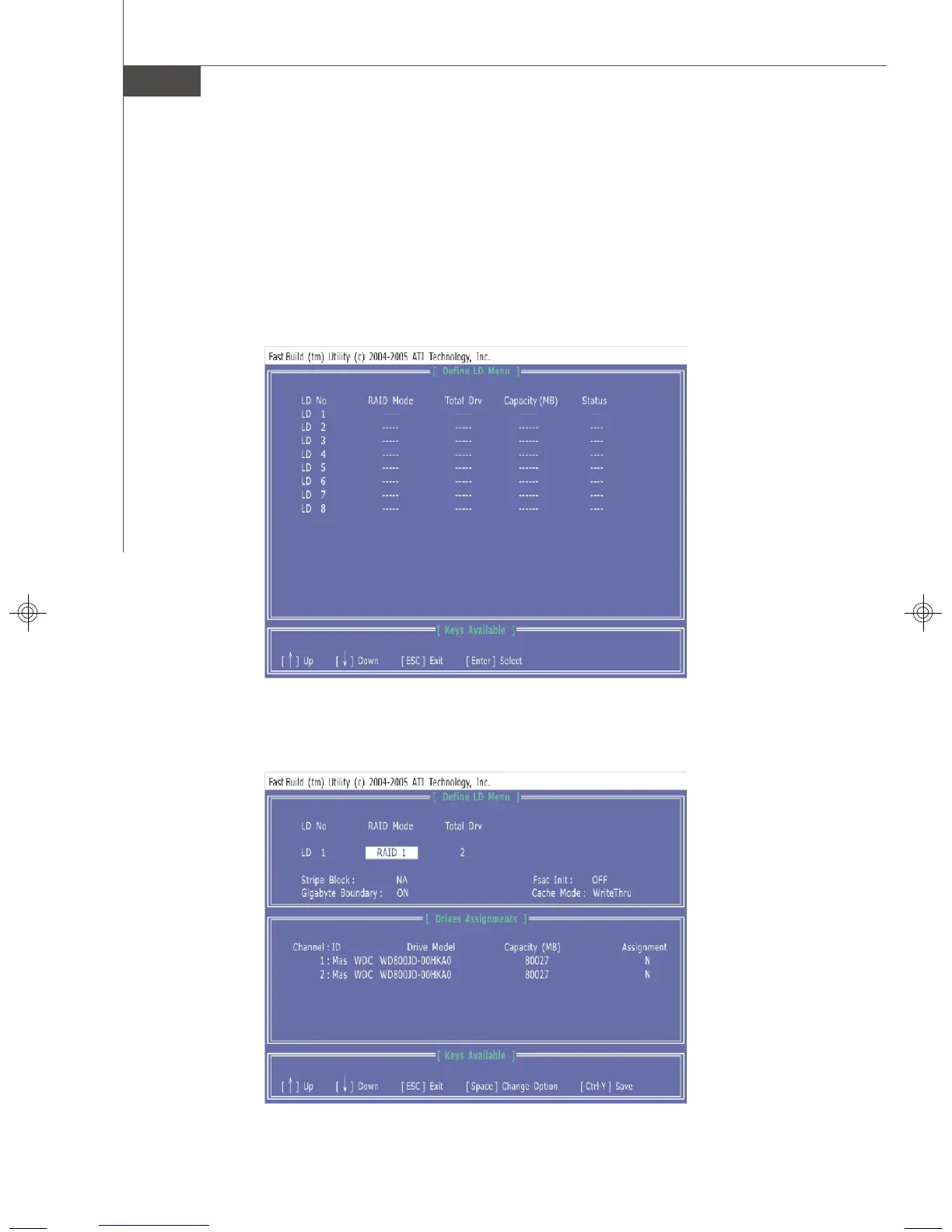
1. Press 2 on the Main Menu screen to enter the Define LD Menu.
2. Press the arrow keys to highlight an logical drive number you want to define
and press Enter to select it.
and press Enter to select it.
3. On the next screen, use the space key to choose a RAID mode (RAID 0/ 1/
0+1) and use the arrow key to move to the Drives Assignments window.
• Initialize logical drive, zero the disk drives. RAID 1 or 10 only.
7327v1.0-B_ATIRAID.p65 2007/4/13, 上午 10:414




 To Next Page