11
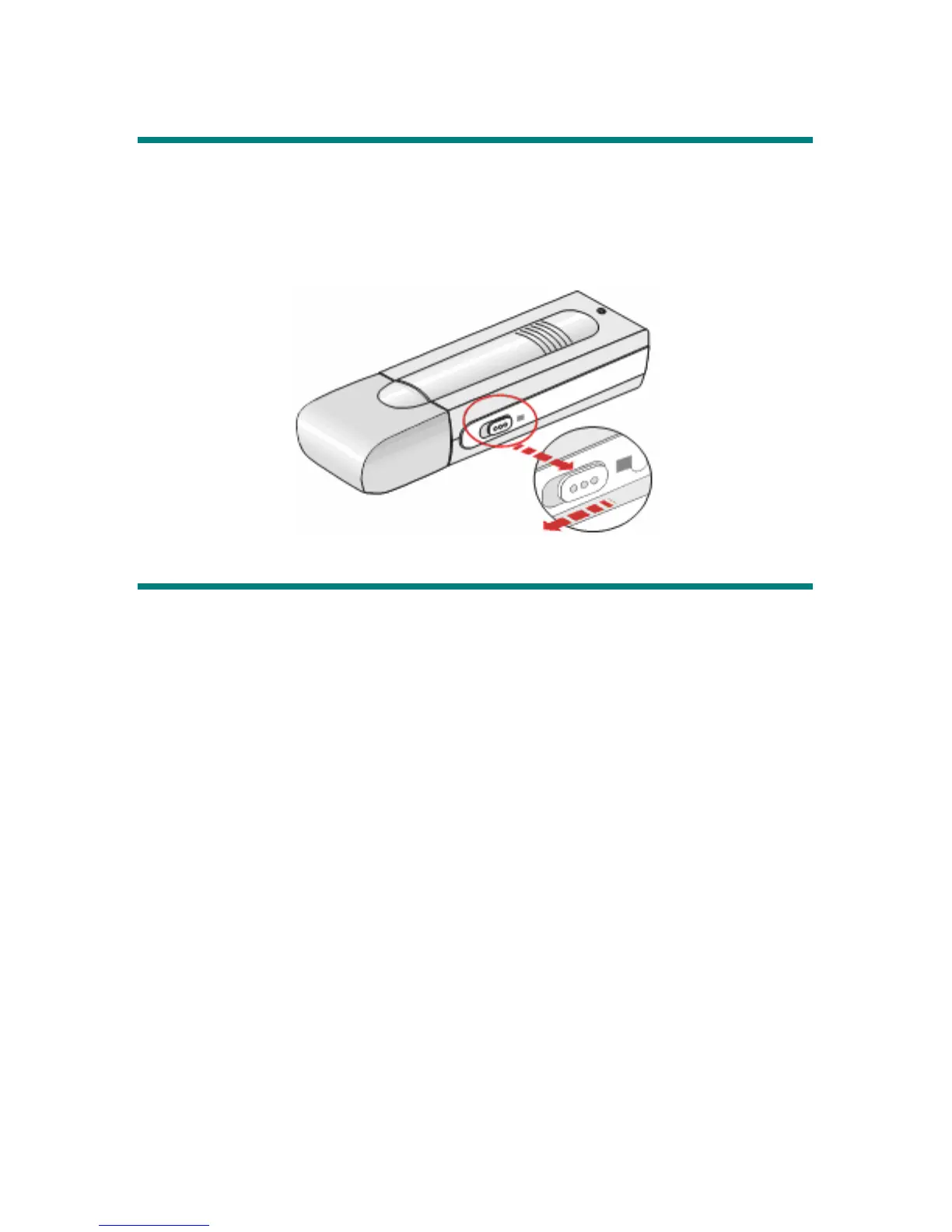
Hold Switch
MEGA STICK provides a Hold Switch, which is located on the side of MEGA
STICK for preventing any miss touching while MEGA STICK is recording or
playing. Once the Hold Switch is slide to the lock position, all function keys on
MEGA STICK will be disabled instantly.
USB Flash Disk
Users are able to save personal data in various formats to MEGA STICK memory.
You can say MEGA STICK is a small hard disk. To save data to MEGA STICK,
simply connect it to computer, and press the Power button to let your system
configure it. Then you can use Windows Explorer to manage the data.
Note: Please refer to the Safety Instructions before formatting MEGA STICK.



 To Next Page