28
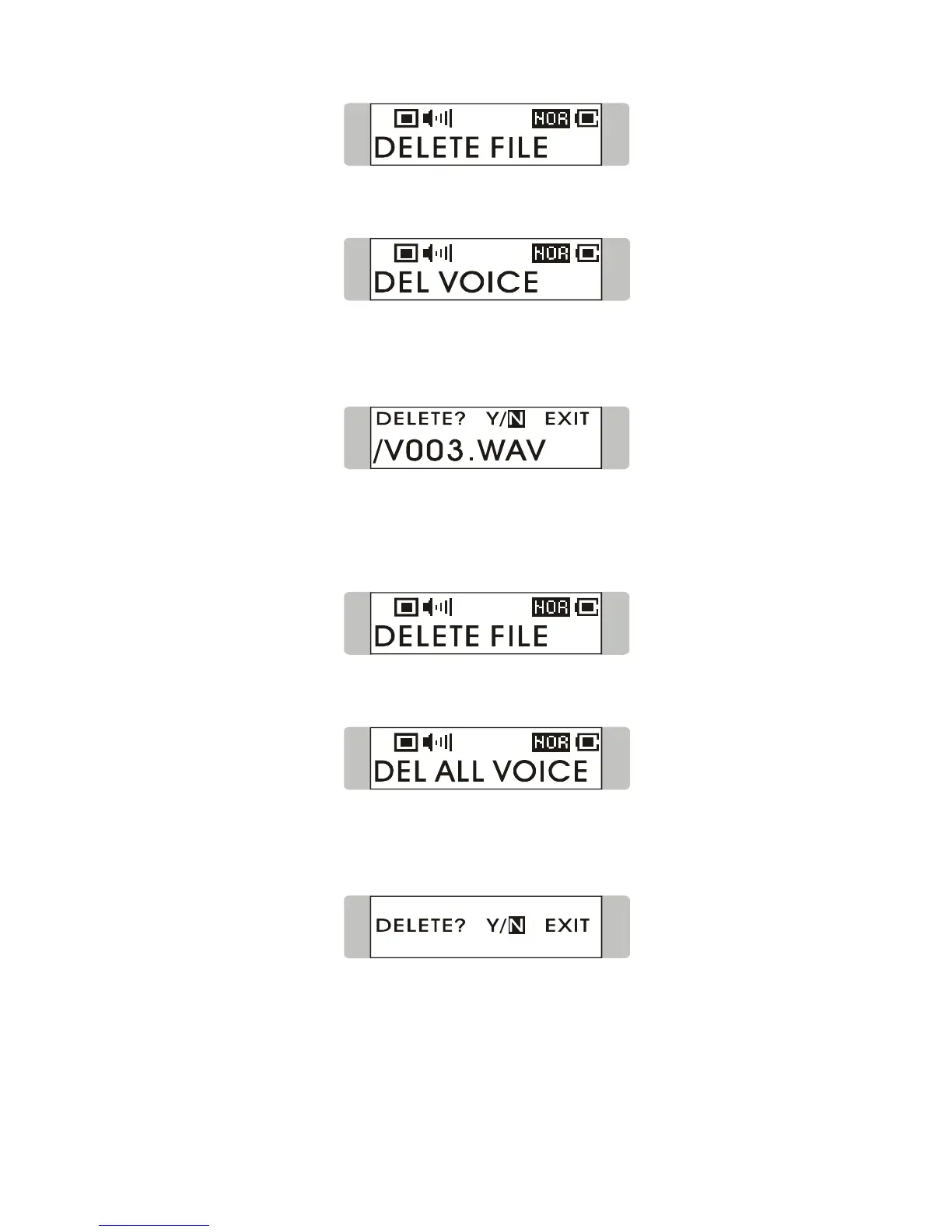
2. Press down Menu button once and push Menu button to the right to select
DEL VOICE.
3. All the recorded file will be displayed by sequence. Switch Menu button right
or left to select Y to erase the file shown on the Display, or select N to skip to
next file, or select EXIT to leave the current screen.
Delete All Voice Files
1. Press down Menu button once, and then push Menu button to the right until
DELETE FILE appears on the display.
2. Press down Menu button once and then push Menu button to the right twice to
select DEL ALL VOICE.
3. Once you read DEL ALL VOICE on the screen, press down Menu button, and
then select Y to delete all voice files. Note that it may take several seconds to
delete all the files.



 To Next Page