19
Music Playback
Normal Playback
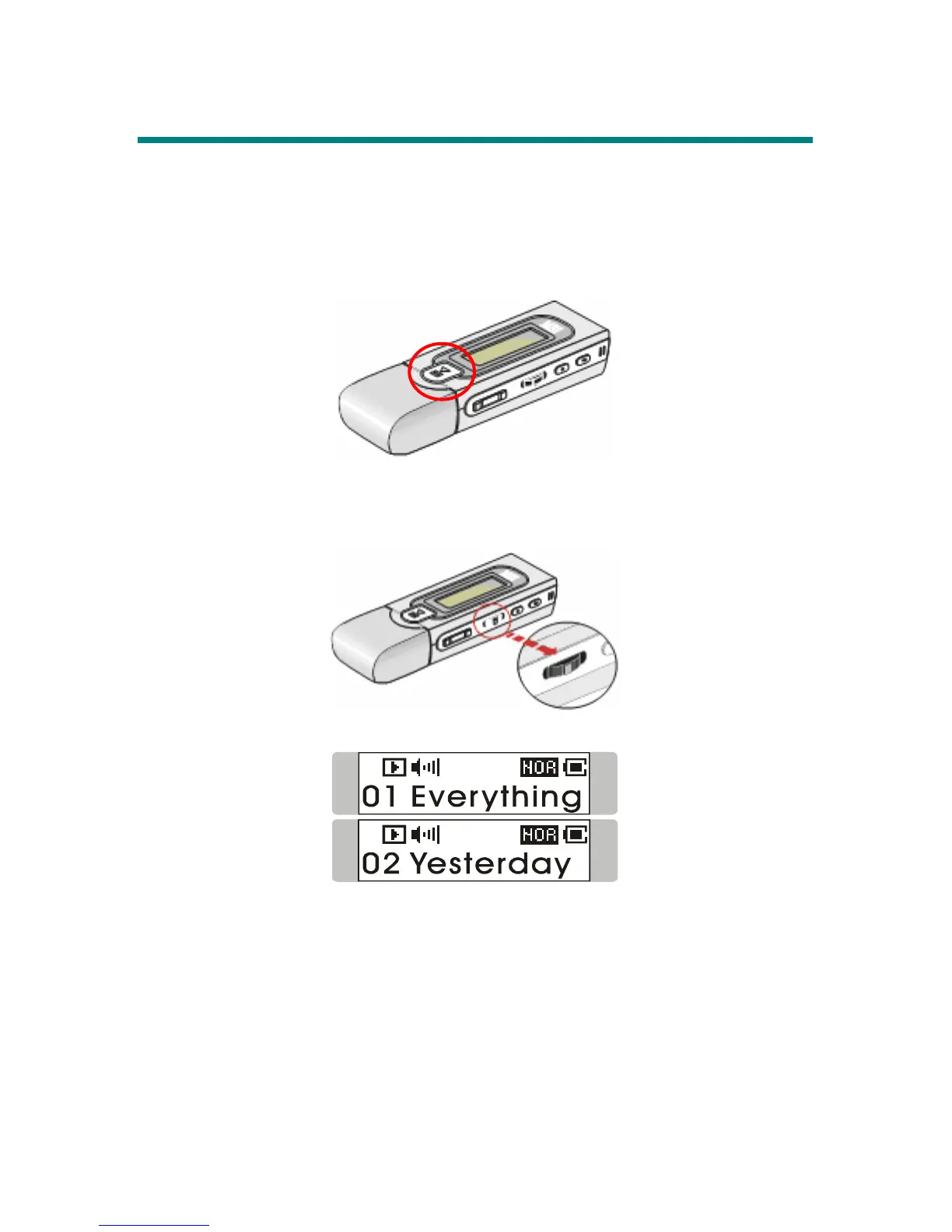
1. Press the Play/Pause [] button to play the current selected file.
2. During playback, press the Play/Pause [] button again to pause the
playback.
Select the Next or Previous Track (File)
1. During playback, push Menu button to the right once to skip to the next track.
2. Or, push Menu button to the left once to back to the previous track.
Fast-Forward or Rewind
1. During playback, push Menu button to the right and hold the position to
fast-forward the current track.
2. Or, push Menu button to the left and hold the position to rewind the current
track.



 To Next Page